

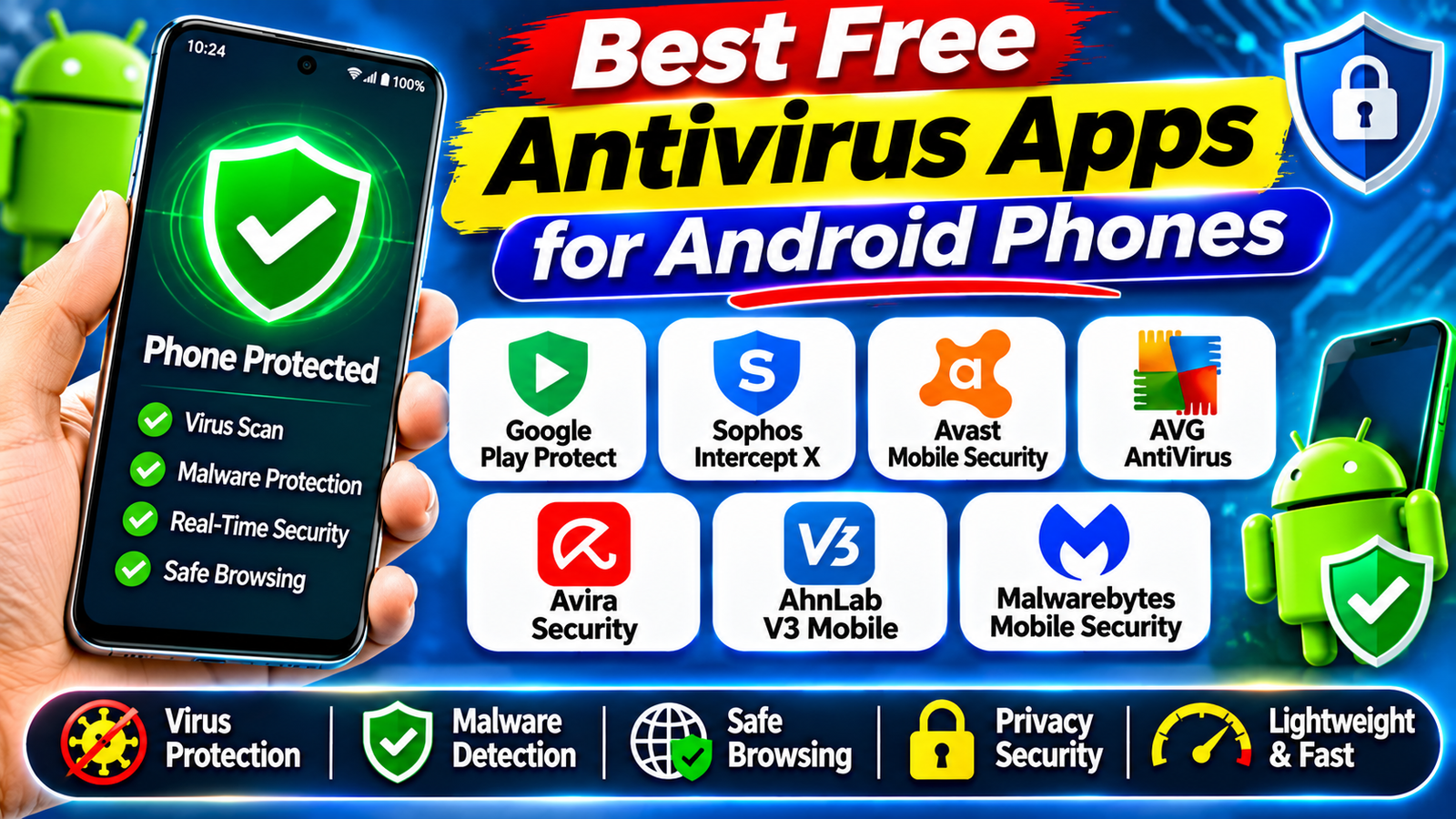
7 Best Free Antivirus Apps for Android Phones in 2026: Android smartphones are used for almost everything today, including online banking, shopping, social media, messaging, entertainment, and work. As people store more personal and financial information on their phones, protecting Android devices from malware, suspicious applications, phishing websites, and online scams has become increasingly important.
Although Android includes built-in security features, some users prefer an additional security application for malware scanning, suspicious app detection, and other protection features.
The good news is that several security apps offer useful features without requiring an immediate subscription. Some provide completely free protection, while others offer a free basic version with optional paid upgrades.
In this guide, we explore seven free or free-to-use antivirus options for Android phones in 2026. We compare their main features, advantages, limitations, and the types of users who may benefit from them.
1. Google Play Protect – Best Built-In Android Protection
Google Play Protect is the built-in security service available on supported Android devices with Google Play. Unlike traditional antivirus applications, it does not require users to download a separate security app.
It checks applications before they are downloaded from Google Play and periodically scans installed apps for potentially harmful behaviour. It can also check applications installed from sources outside the Play Store.
If Play Protect identifies a potentially harmful application, it may warn users, disable the app, or remove it from the device.
One major advantage is that it is already available on supported devices and is enabled by default. Users can access it through the Google Play Store.
Key features:
- Checks applications for harmful behaviour
- Scans installed apps periodically
- Helps identify potentially harmful applications
- Provides warnings about suspicious apps
- Can disable or remove detected harmful applications
Limitations: Play Protect is not a complete replacement for every security feature offered by dedicated mobile security applications. It does not provide every advanced privacy, identity, or anti-theft feature.
Best for: Android users who want basic security protection without installing another antivirus app.
2. Sophos Intercept X for Mobile – Best Free Third-Party Option
Sophos Intercept X for Mobile is a mobile security application designed to help protect Android devices against malicious applications and online threats.
One of its advantages is that Sophos offers a free, unmanaged version for individual Android and iOS users. This makes it an option for people who want additional security without immediately purchasing a subscription.
The application includes security features such as malicious app detection, web-related protection, and a secure QR code scanner. It can help identify potentially dangerous applications and suspicious links.
Sophos also provides an authenticator feature that supports multi-factor authentication for compatible online accounts.
Key features:
- Detection of malicious applications
- Protection against selected online threats
- Secure QR code scanning
- Authenticator functionality
- Free unmanaged version for individual users
Limitations: Business-managed features are separate and require appropriate licensing. Feature availability may vary depending on the Android version and application edition.
Best for: Users looking for a free third-party security application with additional security tools.
3. Avast Mobile Security – Best for Additional Security Features
Avast Mobile Security is a popular Android security application that offers a free version with optional premium upgrades.
The free version provides malware scanning and security-related tools designed to help users identify potential threats on their devices.
Avast also offers additional features through its paid plans. Depending on the version and subscription, these may include enhanced privacy protection, app locking, VPN services, and other security tools.
The application can be useful for people who want a security dashboard that combines several mobile protection features.
Key features:
- Malware and virus scanning
- Security checks for Android devices
- Selected privacy and security tools
- Free basic version
- Optional premium upgrades
Limitations: Some features require a paid subscription. Users may also encounter advertisements or upgrade suggestions in the free version.
Best for: Android users who want a free antivirus option with additional security features available through upgrades.
4. AVG AntiVirus Free – Best for Basic Malware Scanning
AVG AntiVirus Free is another Android security application that offers free malware scanning and optional premium features.
It can help users scan their devices for potentially harmful applications and identify security issues. AVG also offers additional protection tools through its paid plans.
The application may be useful for people who want a familiar antivirus interface and basic security checks without immediately paying for a subscription.
AVG and Avast are part of the same company group, so their products share some technology and have overlapping features.
Key features:
- Malware scanning
- Security checks for installed applications
- Selected device security tools
- Free basic version
- Optional premium features
Limitations: Advanced security and privacy tools may require payment. The free version may display advertisements or subscription offers.
Best for: Users who want a straightforward antivirus application for basic Android security checks.
5. Avira Security Antivirus – Best for Additional Privacy Tools
Avira Security is a mobile security application that provides antivirus-related features and additional privacy tools.
Its Android offering includes features intended to help users identify suspicious applications and protect their devices against selected online threats.
Avira also offers privacy and account-related tools, although the availability of individual features can depend on the plan, region, and current application version.
The free version can be a starting point for people who want to explore mobile security features without purchasing a subscription immediately.
Key features:
- Antivirus and security scanning
- Selected web protection features
- Privacy-related tools
- Optional premium security features
- Security recommendations
Limitations: Not every feature is available for free. Users should review the current subscription information before relying on a particular security feature.
Best for: Android users interested in combining basic security scanning with additional privacy tools.
6. AhnLab V3 Mobile Security – Another Android Security Option
AhnLab V3 Mobile Security is an Android security application from South Korean cybersecurity company AhnLab.
It is designed to help users identify malicious applications and improve mobile device security. It may be worth considering for people who want to explore another established cybersecurity provider.
The app’s availability and supported features can differ by region and Android device. Before installing it, check the official Google Play listing and confirm that the publisher is AhnLab.
AhnLab also participates in independent Android security testing, which provides additional information about its detection and performance capabilities.
Key features:
- Mobile malware detection
- Application security checks
- Additional device protection tools, depending on version
- Security features from an established cybersecurity provider
Limitations: Availability, language support, and free features may vary across countries and application versions.
Best for: Users who want to compare alternative Android security applications.
7. Malwarebytes Mobile Security – Best for Additional Malware Checks
Malwarebytes is a cybersecurity company known for its malware detection and removal products.
Its Android application offers security tools designed to help identify malicious applications and other mobile threats. Depending on the version and subscription, it may also include features related to scam protection, privacy, and online security.
For users concerned about suspicious applications or possible malware infections, Malwarebytes can be another option to investigate.
However, it is important to distinguish between free scanning features and continuous real-time protection. Some advanced features may require a paid subscription.
Key features:
- Malware and suspicious app detection
- Security scanning
- Selected scam and privacy protection features
- Optional premium upgrades
Limitations: Free functionality may be limited, and some protection features require a subscription.
Best for: Users who want an additional malware scanning tool and are comfortable checking which features are included in the free plan.
Official website: https://www.malwarebytes.com/
How to Choose the Best Free Antivirus App for Android
Choosing an antivirus application depends on your phone usage, security needs, and preferred features.
Before installing an application, consider the following points:
1. Check malware protection
Choose a security application from a recognized provider. Look for independent security test results rather than relying only on advertising claims.
2. Understand free and paid features
Some applications provide free malware scanning but charge for real-time protection, anti-theft tools, VPN services, or advanced privacy features. Check the current plan details before installing.
3. Check battery and performance impact
A security app should not unnecessarily slow down your smartphone. Independent testing can help you compare protection, performance, and usability.
4. Review privacy permissions
Check which permissions an antivirus app requests and whether they are necessary for its advertised features. Avoid granting unnecessary access to personal information.
5. Download from trusted sources
Install applications through Google Play whenever possible. Check the developer name, reviews, and application details before downloading.
Independent Antivirus Testing: What Should You Know?
Independent security laboratories test Android security applications using different criteria, including malware detection, device performance, and usability.
For example, AV-TEST’s September 2026 Android evaluation included Google Play Protect, Sophos, Avast, AVG, Avira, and AhnLab among the tested products.
In that evaluation, several third-party products received 6 out of 6 points in protection, performance, and usability. Google Play Protect received 5.5 points for protection, 6 for performance, and 6 for usability.
However, laboratory scores do not automatically mean that every free version includes all the features tested. Always check the exact application edition and free-plan limitations.
Important Android Security Tips Beyond Antivirus Apps
Installing an antivirus application is only one part of smartphone security. Follow these practices to reduce your exposure to common mobile threats:
- Keep Android and installed applications updated.
- Leave Google Play Protect enabled.
- Avoid installing APK files from unknown websites.
- Do not click suspicious links received through SMS or messaging apps.
- Review app permissions before granting access.
- Use strong passwords and multi-factor authentication.
- Avoid entering banking details on unfamiliar websites.
- Uninstall applications that you no longer use.
- Use a screen lock and enable available device-finding features.
These habits can improve your phone’s security even if you do not install a separate antivirus application.
Conclusion
There are several free and free-to-use security options for Android phones in 2026. Google Play Protect provides built-in protection, while Sophos Intercept X offers a free third-party option for individual users.
Avast, AVG, and Avira provide free basic features with optional paid upgrades. AhnLab V3 Mobile Security and Malwarebytes are additional options worth comparing, depending on regional availability and free-feature limitations.
The best choice depends on the type of protection you need. For many users, keeping Google Play Protect enabled, installing Android updates, and downloading apps from trusted sources provides an important security foundation.
If you decide to install a third-party antivirus application, choose one reputable product, review its permissions, and understand which features are genuinely free before relying on it.
Read More: AI Business Automation Tools for Small Businesses: 10 Best Options
1 thought on “7 Best Free Antivirus Apps for Android Phones in 2026”
Comments are closed.