

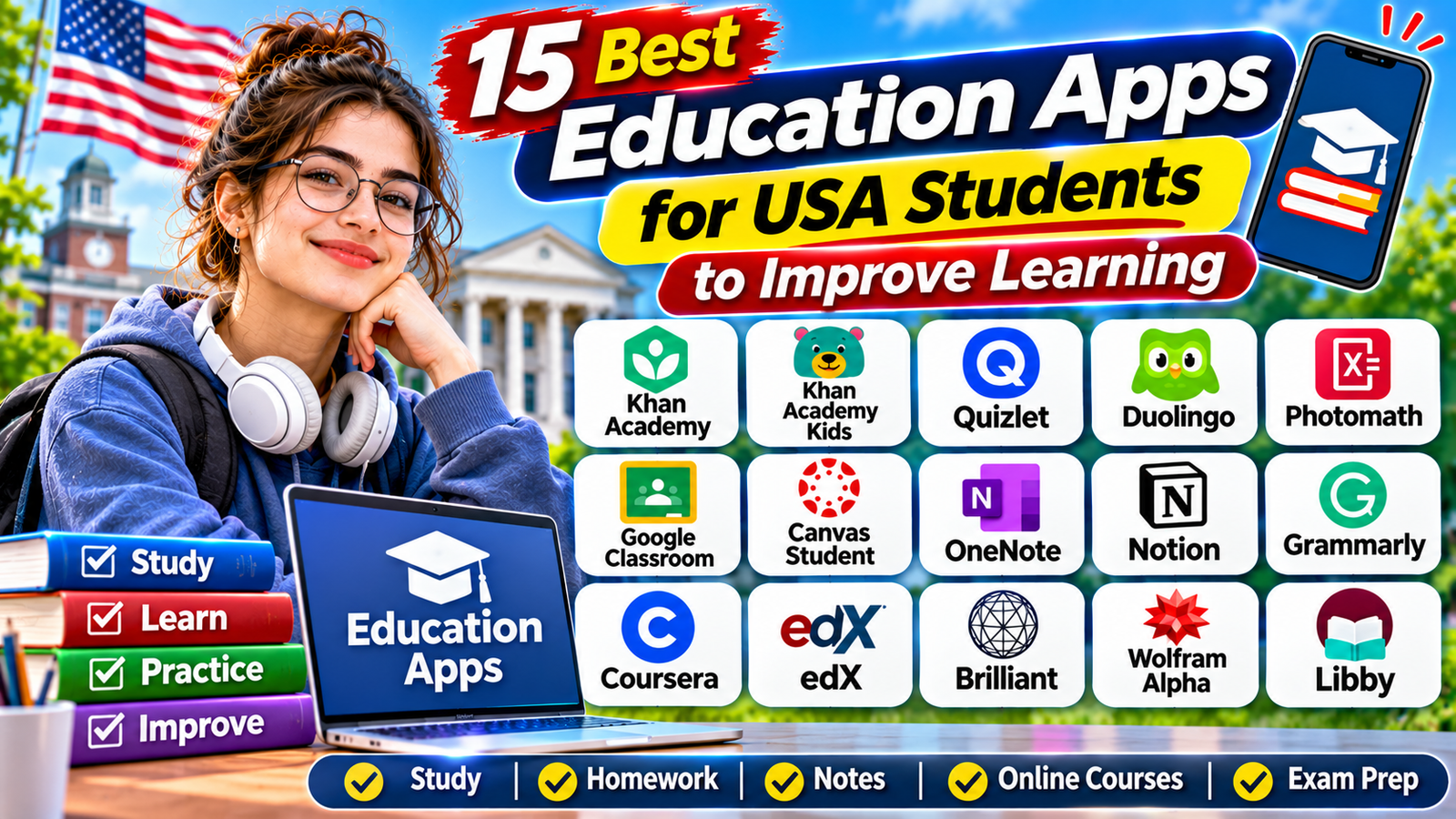
15 Best Education Apps for USA Students to Improve Learning : Technology has changed the way students learn, study, and complete school assignments. Today, students in the United States can use educational apps to understand difficult subjects, prepare for exams, improve writing skills, organize homework, and explore new topics outside the classroom.
Whether you are a middle school student, high school student, college learner, or someone taking online courses, the right education app can make studying more organized and convenient. Many apps offer free learning resources, while others provide optional subscriptions for advanced features.
However, not every app is suitable for every student. Some focus on mathematics, others support language learning, and several are designed for note-taking, classroom communication, or university-level courses.
In this guide, we explore 15 useful education apps for USA students, including their main features, learning benefits, and the types of students who may find them helpful.
1. Khan Academy – Best for Free Academic Learning
Khan Academy is one of the most useful educational platforms for students who want to improve their understanding of academic subjects. It offers lessons, instructional videos, practice exercises, quizzes, and learning resources across several subject areas.
Students can explore mathematics, science, economics, computing, grammar, history, and test preparation. The platform is particularly helpful when students need additional explanations after classroom lessons or want to practice a topic independently.
One major advantage is that Khan Academy provides its core learning resources free of charge. Students can learn at their own pace and revisit lessons whenever they need extra practice.
Best for: School students, independent learners, and anyone looking for free academic lessons.
Website: https://www.khanacademy.org/
2. Khan Academy Kids – Best for Young Children
Khan Academy Kids is designed for younger learners who are developing foundational academic skills. It offers interactive activities, books, videos, and educational games that introduce early learning concepts.
Children can practice reading, writing, mathematics, vocabulary, and social-emotional skills through age-appropriate activities. Its colorful interface and interactive lessons make learning more engaging for younger users.
Parents and educators can use it as an additional learning resource at home or alongside classroom activities.
Best for: Preschool and early elementary-age children.
Website: https://learn.khanacademy.org/khan-academy-kids/
3. Quizlet – Best for Flashcards and Exam Preparation
Quizlet is a popular study platform that helps students review information using digital flashcards and other study activities.
Students can create their own flashcard sets or explore existing study materials covering subjects such as biology, chemistry, history, vocabulary, and mathematics. Flashcards are useful for memorizing definitions, formulas, important dates, and key concepts.
Quizlet can also support exam preparation by helping students review information in shorter sessions. However, students should check shared study sets carefully because user-created materials may contain errors.
Best for: High school students, college students, and learners preparing for tests.
Website: https://quizlet.com/
4. Duolingo – Best for Learning New Languages
Duolingo makes language learning more accessible through short lessons and interactive exercises. Students can practice vocabulary, pronunciation, reading, listening, and sentence construction.
For USA students learning Spanish, French, German, Japanese, or other supported languages, the app can provide regular practice outside the classroom.
Its game-like learning experience uses points, levels, reminders, and progress features to encourage consistency. Students should remember that an app alone cannot replace real conversations, extended writing, or teacher feedback.
Best for: Students learning a foreign language and beginners who want daily practice.
Website: https://www.duolingo.com/
5. Photomath – Best for Understanding Math Problems
Photomath is a mathematics learning app that helps students explore solutions to mathematical problems. Students can use their device camera to scan supported math problems and view explanations or solution steps.
It can be useful for topics such as arithmetic, algebra, geometry, and other mathematics concepts, depending on the problem and available features.
Instead of copying an answer, students should study the explanation and attempt a similar question independently. This approach helps develop mathematical understanding rather than relying entirely on automated solutions.
Best for: Middle school, high school, and other students who need additional mathematics support.
Website: https://photomath.com/
6. Google Classroom – Best for Managing School Assignments
Google Classroom helps teachers organize classes, distribute learning materials, assign homework, and provide feedback. Students can use it to access classwork and communicate with teachers through their school’s learning environment.
For students whose schools use Google Workspace for Education, Classroom can make it easier to follow assignment instructions, check due dates, and submit work online.
Its usefulness depends on whether the student’s school or teacher has adopted the platform and provided the necessary account access.
Best for: K–12 students and teachers using Google Classroom at school.
Website: https://edu.google.com/workspace-for-education/products/classroom/
7. Canvas Student – Best for Online Classes and College Learning
Canvas is a learning management system used by educational institutions to manage courses and academic activities. Its student app allows learners to access course materials from supported mobile devices.
Students can view assignments, participate in discussions, check grades, receive notifications, and submit coursework through their institution’s Canvas environment.
Many colleges and universities use learning management systems to organize online and hybrid courses. However, students generally need an account provided by an institution that uses Canvas.
Best for: College students, university learners, and students enrolled in schools that use Canvas.
Website: https://www.instructure.com/
8. Microsoft OneNote – Best for Digital Note-Taking
Microsoft OneNote is a digital notebook that helps students organize class notes, research materials, ideas, and study information.
Students can create separate notebooks for different subjects, organize content into sections, type notes, add images, and use handwriting features on compatible devices.
For example, a college student can create one notebook for biology, another for history, and a separate section for exam preparation. This can make it easier to keep learning materials organized throughout the academic year.
Best for: High school students, college learners, and students who take detailed notes.
Website: https://www.microsoft.com/microsoft-365/onenote/digital-note-taking-app
9. Notion – Best for Student Organization and Planning
Notion is a flexible productivity and organization platform that students can use to manage academic responsibilities.
Students can create study schedules, organize lecture notes, track assignments, maintain reading lists, and plan projects. Its customizable pages and templates make it useful for learners managing several subjects or college courses.
Notion is not a replacement for a school’s official assignment platform. Students should continue checking their school’s learning management system for final deadlines and instructions.
Best for: College students and learners who want a customizable study workspace.
Website: https://www.notion.com/
10. Grammarly – Best for Improving Writing Skills
Grammarly helps students review written content and identify potential grammar, spelling, punctuation, and clarity issues.
It can be useful when preparing essays, emails, reports, research documents, and other academic writing. Depending on the available plan and product features, students may also access suggestions related to tone, clarity, and rewriting.
Students should use writing tools as support rather than allowing them to replace their own ideas. Always follow school policies regarding AI-assisted writing and editing.
Best for: High school students, college students, and anyone who regularly writes assignments.
Website: https://www.grammarly.com/
11. Coursera – Best for Online Courses and Professional Skills
Coursera provides access to online courses, professional learning programs, and educational content from universities and other organizations.
Students can explore topics such as computer science, business, data analytics, technology, healthcare, and personal development. It can be useful for college learners who want to study subjects beyond their regular coursework.
Some learning content may be accessible without payment, while certificates, subscriptions, and certain programs require payment. Course availability and enrollment conditions vary.
Best for: College students, graduates, and learners interested in professional development.
Website: https://www.coursera.org/
12. edX – Best for University-Level Online Learning
edX is an online learning platform that offers courses across subjects such as science, engineering, business, computer science, humanities, and public health.
Students can explore university-style learning materials and develop knowledge in areas that interest them. Some courses offer free audit access, while verified certificates and other learning options may require payment.
For USA college students, edX can be a useful way to explore additional subjects, strengthen existing knowledge, or learn skills outside a traditional classroom.
Best for: College students, adult learners, and people interested in university-level courses.
Website: https://www.edx.org/
13. Brilliant – Best for Interactive STEM Learning
Brilliant focuses on interactive learning in mathematics, science, computer science, and logical reasoning.
Instead of relying only on traditional video lessons, the platform emphasizes solving problems and exploring concepts through interactive activities.
Students who enjoy mathematics, physics, programming, and logical challenges may find this learning style useful. Some content and features may require a paid subscription.
Best for: Students interested in mathematics, science, and problem-solving.
Website: https://brilliant.org/
14. Wolfram Alpha – Best for Advanced Math and Science Questions
Wolfram Alpha is a computational knowledge tool that can help students explore mathematical and scientific questions.
It supports calculations and queries involving areas such as algebra, calculus, statistics, physics, and chemistry. Students can use it to check calculations, investigate mathematical expressions, and explore quantitative concepts.
Some step-by-step explanations and advanced features may require a paid plan. Students should use the tool to understand how a problem works rather than simply copying the final answer.
Best for: High school students taking advanced mathematics and college students studying STEM subjects.
Website: https://www.wolframalpha.com/
15. Libby – Best for Free Digital Books and Audiobooks
Libby is a digital reading app that allows users to borrow ebooks, audiobooks, and other digital materials from participating public libraries.
Students in the United States can use a supported library card to explore available books and educational reading resources. The selection depends on the participating library’s digital collection.
Libby can be especially useful for students who enjoy reading outside their required textbooks or want access to additional research and reference materials.
Library membership requirements, borrowing limits, availability, and wait times vary by library.
Best for: School students, college learners, and readers who want digital library access.
Website: https://www.libbyapp.com/
How to Choose the Right Education App
Before downloading several educational apps, students should identify the areas where they need the most support.
Consider these suggestions:
- For free academic lessons: Start with Khan Academy.
- For younger children: Explore Khan Academy Kids.
- For exam preparation: Try Quizlet.
- For language learning: Consider Duolingo.
- For mathematics: Explore Photomath or Wolfram Alpha.
- For school assignments: Use Google Classroom or Canvas when required by your school.
- For digital notes: Choose OneNote.
- For organizing college work: Consider Notion.
- For writing improvement: Explore Grammarly.
- For advanced online learning: Compare Coursera and edX.
- For STEM practice: Try Brilliant.
- For digital reading: Check whether your local library supports Libby.
Tips for Using Education Apps Effectively
Installing an educational app does not automatically improve academic performance. Students need to use these tools consistently and combine digital learning with classroom instruction.
Start by choosing two or three apps that support your immediate learning goals. Create a realistic study schedule and set aside time for practice, revision, and reading.
Avoid depending entirely on answer-generating tools. Try solving questions independently before checking explanations. Verify important information using textbooks, teachers, and reliable educational resources.
Students and parents should also review privacy settings, account requirements, age restrictions, subscription terms, and school policies before using an app.
Conclusion
Education apps can make learning more flexible by helping students practice academic subjects, prepare for exams, organize assignments, improve writing, and explore new areas of knowledge.
Khan Academy is a strong starting point for free academic learning, while Quizlet supports revision and Duolingo encourages language practice. Google Classroom and Canvas help students manage schoolwork when their institutions use those platforms. Tools such as OneNote, Notion, Coursera, edX, and Libby support other important parts of the learning experience.
The best education app is not necessarily the one with the most features. It is the one that matches a student’s age, learning goals, school requirements, and study habits.
Choose the tools that address your learning needs, use them responsibly, and combine them with regular practice to build stronger study habits.
Read More: Earning Apps for Students in 2026: 10 Legit Ways to Earn Online
1 thought on “15 Best Education Apps for USA Students to Improve Learning”
Comments are closed.