

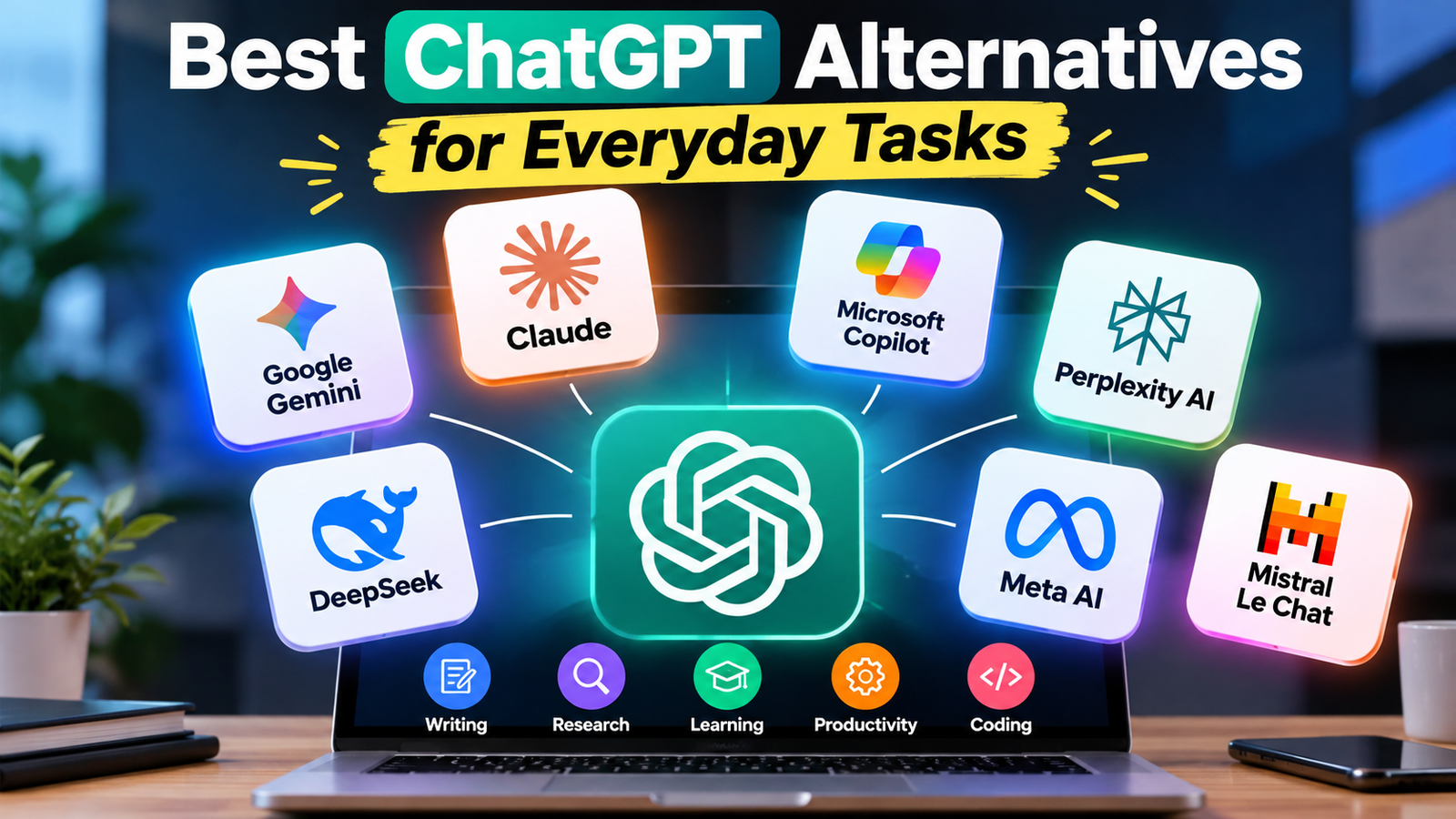
Artificial intelligence has become a useful part of everyday life. From writing emails and summarizing documents to researching unfamiliar topics and learning new skills, AI assistants can help people complete many tasks more efficiently. ChatGPT is one of the best-known options, but it is not the only AI tool worth exploring.
Several alternatives offer different strengths. Some are particularly useful for writing and coding, while others focus on web research, Google services, Microsoft applications or everyday conversations. Choosing the right tool depends on what you want to accomplish, how often you use AI and whether you prefer a free service or a paid subscription.
If you are looking for the best ChatGPT alternatives for everyday tasks, this guide explores seven options, their main benefits, practical uses and limitations.
Why Look for ChatGPT Alternatives?
ChatGPT can handle a wide range of tasks, but different AI assistants are designed around different workflows. One tool may be more convenient for researching a topic, while another may fit better into your existing applications.
Here are some reasons to explore alternatives:
- Different writing styles: Some AI assistants may produce drafts that better match your preferred tone.
- Research capabilities: Certain tools search the web and provide links to sources alongside their answers.
- Application integration: Some assistants work closely with Google or Microsoft services.
- Specialized workflows: Tools may offer useful features for coding, document analysis or creative projects.
- Cost and access: Free tiers, usage limits and subscription options vary across providers.
You do not necessarily need to replace ChatGPT completely. Using different tools for different purposes can be a practical approach.
1. Google Gemini: Best for Everyday Productivity
Google Gemini is an AI assistant from Google that can help with questions, writing, brainstorming, learning and other everyday activities. It is worth considering if you already use Google’s ecosystem.
What can you do with Gemini?
Gemini can help you draft emails, explain complicated concepts, organize ideas, summarize information and create outlines for articles or presentations. Depending on the available features, it can also work with different types of input, including images.
For example, a student could ask Gemini to explain a difficult subject in simple language. A blogger could use it to generate article outlines, brainstorm headlines or identify questions that readers may want answered.
Gemini’s connections with Google services can also be useful for eligible users. However, integrations and available features depend on the account, subscription, region and product settings.
Best for: Students, bloggers, general productivity and people who regularly use Google services.
Limitations: AI-generated answers can contain mistakes. Advanced features may require a subscription or may not be available to every user.
Official website: https://gemini.google.com/
2. Claude: Best for Writing and Long Documents
Claude, developed by Anthropic, is another option for people who want help with writing, reasoning, coding and document-heavy tasks.
One reason to try Claude is its conversational writing style. It can help turn rough notes into organized explanations, improve the structure of a draft and adjust the tone of professional communication.
How can Claude help?
Suppose you have written a rough article for your website. You could ask Claude to improve the introduction, remove repetitive sentences, organize the headings and make the explanation easier to follow.
It can also help summarize lengthy documents, explain code and brainstorm ideas for projects. For writers, researchers and professionals, these capabilities can be useful when working with substantial amounts of text.
Claude should be treated as a writing assistant rather than an automatic publishing system. You should check factual claims, quotations, references and technical details before using its output.
Best for: Long-form writing, document analysis, coding assistance and professional communication.
Limitations: Usage limits and available tools vary by plan. You should independently verify important facts and avoid uploading confidential material without checking the applicable privacy terms.
Official website: https://claude.ai/
3. Microsoft Copilot: Best for Microsoft Users
Microsoft Copilot is an AI assistant that can help with writing, research, brainstorming and productivity. It is particularly worth considering if you use Windows or Microsoft applications regularly.
Depending on the version and account, Copilot can provide conversational answers, assist with content creation and support workflows involving Microsoft products.
Everyday tasks you can try
You can use Copilot to draft a professional email, generate ideas for a presentation, explain a technical concept or create an initial outline for a report.
People who work with Word, Excel, PowerPoint and Outlook may also benefit from eligible Microsoft 365 Copilot features. The available capabilities depend on the specific product, licence and organizational settings.
For example, a small business owner could use an AI assistant to prepare a first draft of a business proposal. An office worker might use it to brainstorm presentation topics or simplify a complicated explanation.
Best for: Office productivity, business communication and users who already work with Microsoft services.
Limitations: Not every Copilot experience includes the same integrations. Some Microsoft 365 features require a qualifying subscription or workplace licence.
Official website: https://copilot.microsoft.com/
4. Perplexity AI: Best for Web Research
Perplexity AI takes a research-focused approach to AI assistance. Rather than simply generating a conversational response, it searches for information and presents answers with source links that readers can investigate.
This can be particularly useful when you need to explore a topic, compare information from different websites or find sources for further reading.
Why is Perplexity useful?
Imagine that you are preparing an article about a new smartphone. You need to understand its announced specifications, compare features and find relevant sources.
Perplexity can help you begin that research by gathering information and linking to webpages. You can then open the original sources to confirm the details before writing your article.
Its research-oriented features can save time during the initial discovery stage. Nevertheless, the presence of citations does not automatically guarantee that an answer is correct. A source may be outdated, misunderstood or unrelated to a particular claim.
For publication, prioritize official announcements, product documentation, government websites and other reliable primary sources whenever possible.
Best for: Research, topic exploration, fact-checking assistance and finding source material.
Limitations: Sources still require manual verification. Access to advanced research features and different AI models can vary by plan.
Official website: https://www.perplexity.ai/
5. DeepSeek: An Option for Reasoning and Coding
DeepSeek is an AI platform worth exploring if you want assistance with technical questions, programming, mathematics or structured problem-solving.
Depending on the available model and interface, it can help explain programming concepts, draft code, identify possible errors and break complicated questions into smaller steps.
How can you use DeepSeek?
A beginner learning Python could ask for an explanation of variables, loops or functions, together with a simple example. A more experienced user could request help understanding an error message or reviewing a short piece of code.
It can also assist with outlining an argument, comparing possible approaches to a problem or explaining mathematical reasoning.
However, generated code may contain bugs, insecure practices or incorrect assumptions. Test it in a suitable environment before using it in a real application.
Before uploading files or business information, review the service’s privacy policy and data-handling terms.
Best for: Programming practice, technical explanations, mathematics and problem-solving.
Limitations: Performance differs between models and tasks. Code should be tested, and important calculations should be independently checked.
Official website: https://www.deepseek.com/
6. Meta AI: Best for Convenient Everyday Assistance
Meta AI is an AI assistant associated with Meta’s products and services. Depending on regional availability and account access, users may be able to interact with it through Meta AI itself or supported experiences in applications such as WhatsApp, Instagram and Facebook.
Its accessibility can make it an appealing option for people who want to experiment with AI without adopting an entirely separate workflow.
What can Meta AI help you with?
You can use an AI assistant for brainstorming social media captions, exploring ideas for short videos, asking general questions or drafting simple messages.
For example, a content creator could request several caption ideas for a technology post or ask for a short script explaining a mobile feature. The creator can then edit the result to match their audience and style.
Available image-generation and other creative capabilities depend on the specific experience and region.
Best for: Casual questions, social media ideas and convenient AI assistance within supported Meta platforms.
Limitations: Availability and functionality vary by country and application. As with other AI assistants, answers may contain inaccurate information.
Official website: https://www.meta.ai/
7. Mistral Le Chat: Another AI Assistant to Explore
Le Chat, developed by Mistral AI, is another option for everyday AI tasks. It offers a conversational interface for activities such as asking questions, generating text, exploring ideas and getting assistance with work.
It may be worth trying if you want to compare several AI assistants instead of relying on a single provider.
What makes Le Chat worth considering?
You could use it to create a first draft of an email, summarize information, brainstorm blog topics or understand an unfamiliar concept.
Depending on the features available to your account, it may also support additional capabilities such as web search and document-related workflows.
For instance, a student could use Le Chat to generate practice questions from study notes. A blogger could request alternative headlines and then select the most accurate one.
As with any AI tool, the quality of the output depends on the task, the model and the instructions you provide.
Best for: General writing, brainstorming, learning and exploring another AI platform.
Limitations: Features, usage allowances and subscription options may change. Check the current plan details before paying for advanced access.
Official website: https://chat.mistral.ai/
Quick Comparison: Which ChatGPT Alternative Should You Try?
| AI tool | Best use case |
|---|---|
| Google Gemini | Everyday tasks and Google services |
| Claude | Writing and long documents |
| Microsoft Copilot | Microsoft productivity |
| Perplexity AI | Web research and source discovery |
| DeepSeek | Coding and technical problem-solving |
| Meta AI | Casual and social media assistance |
| Mistral Le Chat | General writing and brainstorming |
This comparison is a starting point rather than a definitive performance ranking. The best choice depends on the features you need and how well a tool performs on your own tasks.
How to Choose the Right AI Assistant
Before deciding which alternative to use, consider these five factors.
1. Identify your main task
Start with your actual needs. If you mostly write articles, compare the quality of writing and editing. If you research current events, examine the sources provided. If you write code, test the tool on realistic programming questions.
2. Check the free version
Many AI services offer some form of free access, but usage limits and included features differ. Try the free version first if it meets your needs. Do not assume that a feature advertised on a website is available without payment.
3. Verify factual accuracy
Ask the same question across two or more tools and compare their answers. When the topic involves current information, check dates and consult original sources. For medical, legal or financial decisions, seek appropriate qualified guidance rather than relying solely on AI-generated responses.
4. Consider privacy
Avoid sharing passwords, banking details, private customer information or confidential documents unless you have checked the provider’s data-handling policies and have appropriate authorization.
5. Compare the complete cost
A paid plan may provide higher usage limits or additional features, but you may not need them. Compare the current price, renewal terms and included capabilities before subscribing.
Final Verdict
The best ChatGPT alternative for everyday tasks depends on what you want to accomplish.
Google Gemini is worth exploring if you use Google services. Claude is a strong candidate for writing and document-heavy work, while Microsoft Copilot is relevant for people who rely on Microsoft applications. Perplexity is useful for source-oriented research, and DeepSeek can help with coding and technical questions. Meta AI offers convenient assistance across supported Meta experiences, while Mistral Le Chat provides another general-purpose option.
You do not have to choose only one assistant. Try two or three tools on the same real-world task, compare their results and decide which fits your workflow.
Most importantly, remember that AI tools can make mistakes. Use them to support your thinking, research and creativity—not as a replacement for checking important information.
The most useful AI assistant is not necessarily the one with the most features. It is the one that helps you complete your everyday tasks accurately, efficiently and responsibly.
Read More : 7 Best Android Customization Apps to Transform Your Home Screen
1 thought on “Best ChatGPT Alternatives for Everyday Tasks: 7 AI Tools Worth Trying”
Comments are closed.