

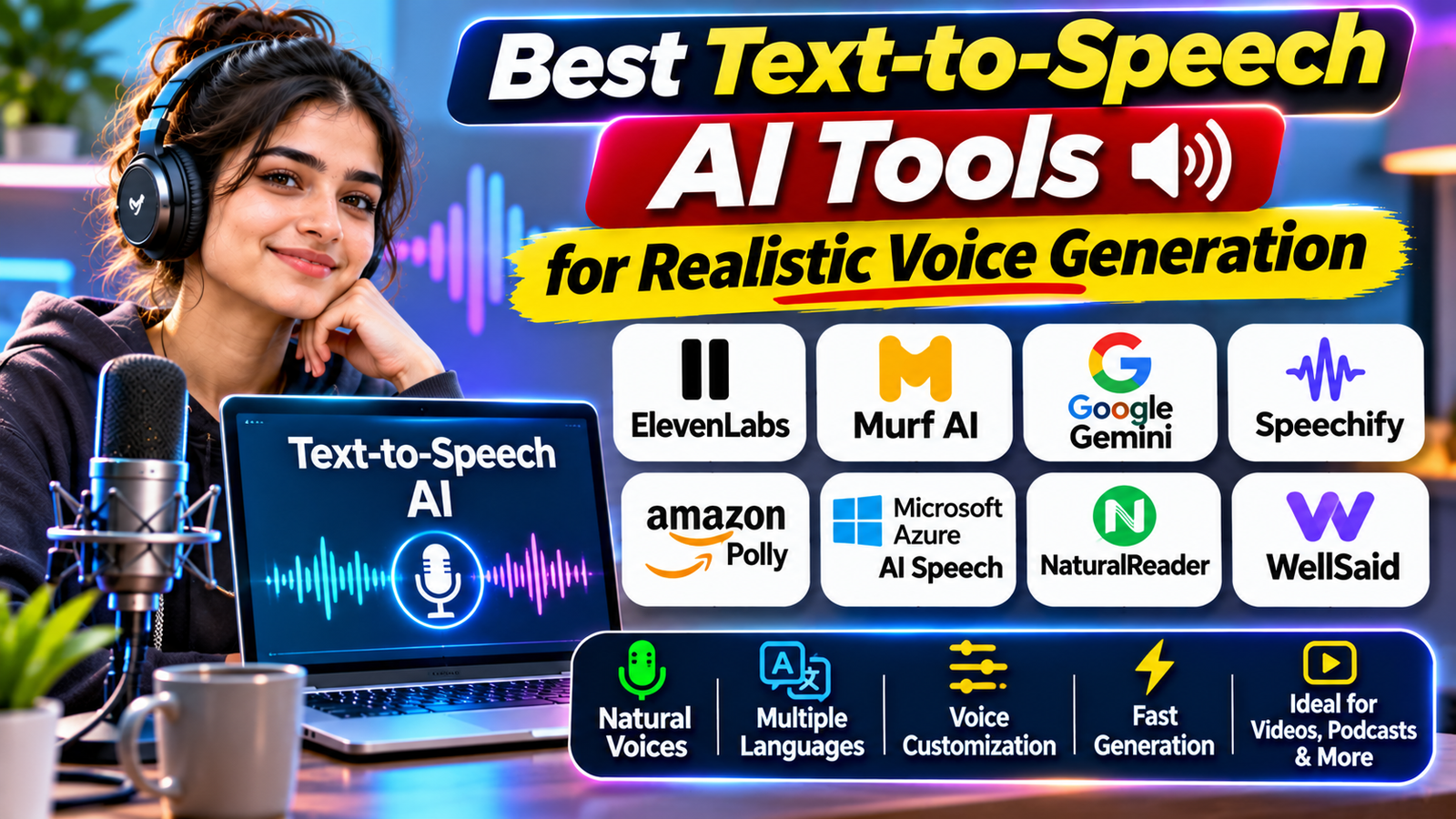
Artificial intelligence has changed the way people create audio content. You no longer need to record every sentence using a microphone or hire a professional voice artist for every project. Text-to-speech (TTS) AI tools can convert written text into spoken audio using computer-generated voices that sound increasingly natural.
These tools are useful for YouTube videos, podcasts, online courses, audiobooks, advertisements, presentations, business communication, and accessibility. Some platforms also provide voice customisation, multiple languages, emotional delivery, and voice cloning features.
However, not every AI voice generator is designed for the same purpose. Some focus on realistic storytelling, while others are better suited to professional voiceovers, document reading, or software development.
In this guide, we explore eight popular text-to-speech AI tools for realistic voice generation, their main features, and how to choose the right platform for your needs.
What Is Text-to-Speech AI?
Text-to-speech AI is technology that converts written words into spoken audio.
Traditional text-to-speech systems often produced robotic or mechanical voices. Modern AI-powered systems use advanced speech models to generate more natural pronunciation, rhythm, pauses, and intonation.
Depending on the platform, users may be able to select different voices, languages, accents, speaking speeds, and emotional styles.
For example, a content creator can enter a video script, select a suitable voice, adjust the speaking style, and generate an audio file for a video.
1. ElevenLabs – Best for Realistic AI Voice Generation
ElevenLabs is a well-known AI voice platform designed for realistic and expressive speech generation. It is particularly useful for creators who want natural-sounding narration rather than a basic computer-generated voice.
The platform offers different text-to-speech models, voice options, and controls for creating expressive audio. Depending on the selected model, users can generate narration, character dialogue, and other voice-based content.
ElevenLabs also offers voice design and voice cloning capabilities. Voice cloning should only be used with appropriate permission from the person whose voice is being replicated.
Key features:
- Natural-sounding AI voices.
- Multiple languages and accents.
- Expressive speech generation.
- Voice design and authorised voice cloning.
- Multi-speaker dialogue on supported models.
- Tools for creators and developers.
Best for: YouTube creators, audiobook producers, storytellers, and professional voiceover projects.
Website: https://elevenlabs.io/
ElevenLabs offers different models for expressive narration, multilingual speech, and lower-latency generation. Language support and generation limits depend on the model. <Cite refs={[“turn487244search6”]}/>
2. Murf AI – Best for Professional Voiceovers
Murf AI is a text-to-speech platform designed for creating professional voiceovers. It can be useful for educational videos, business presentations, advertisements, training materials, and product demonstrations.
One of its useful features is voice customisation. Users can select voices and adjust settings such as speed, pitch, pronunciation, pauses, and speaking style.
Murf also provides tools for combining voiceovers with visual content, making it useful for people who want to create narrated videos.
Key features:
- A library of AI voices.
- Multiple languages and accents.
- Voice speed and pitch controls.
- Pronunciation and pause adjustments.
- Voiceover and video creation workflows.
- API options for developers.
Best for: Businesses, educators, marketers, and content creators who need polished narration.
Website: https://murf.ai/
Murf’s available voices and language coverage depend on the product and model. Check the current voice library before selecting it for a specific language or accent. <Cite refs={[“turn100799search2″,”turn100799search4″,”turn100799search6”]}/>
3. Google Gemini Text-to-Speech – Best for Expressive AI Speech
Google provides text-to-speech generation through its Gemini AI ecosystem. Its TTS capabilities allow users and developers to convert written text into audio with control over speaking style and delivery.
Depending on the model and interface, users can guide the voice’s tone, pace, accent, and emotional expression through instructions.
Gemini TTS also supports single-speaker and multi-speaker audio generation, making it useful for narrated content and certain dialogue-based projects.
Key features:
- AI-powered speech generation.
- Control over tone, pace, and delivery.
- Single-speaker and multi-speaker audio.
- Voice selection and custom voice options on supported models.
- Support for multiple languages.
- Developer API access.
Best for: Developers, AI enthusiasts, podcast creators, and users who want more control over speech generation.
Website: https://ai.google.dev/gemini-api/docs/speech-generation
Google’s Gemini TTS documentation describes its supported models, voice options, and language capabilities. Availability and features can differ between models and access methods. <Cite refs={[“turn487244search0″,”turn487244search2″,”turn487244search3”]}/>
4. Speechify – Best for Reading Text Aloud
Speechify is designed to convert written content into spoken audio. It can be useful for people who prefer listening to articles, documents, study materials, and other written information.
Instead of reading long documents on a screen, users can listen while travelling, exercising, or completing other activities.
Speechify is especially relevant to students, professionals, and people who use audio as part of their reading routine.
Key features to explore:
- Text-to-speech reading.
- Voice selection.
- Playback speed controls.
- Listening to supported documents and written content.
- Web and mobile access.
- Accessibility-focused reading workflows.
Best for: Students, professionals, and readers who want to listen to written content.
Website: https://speechify.com/
Check the current product version and plan details to distinguish its personal reading features from tools intended for commercial voiceover production.
5. Amazon Polly – Best for Developers and Applications
Amazon Polly is a cloud-based text-to-speech service from Amazon Web Services (AWS). It allows developers to convert written text into speech and integrate generated audio into applications, websites, and digital services.
It supports different voices, languages, and speech output formats. Developers can also use Speech Synthesis Markup Language (SSML) to control elements such as pronunciation, emphasis, pauses, and speaking rate.
This makes Amazon Polly particularly useful for applications that need automated spoken responses.
Key features:
- Multiple AI-generated voices.
- Support for many languages and voice variants.
- SSML-based speech customisation.
- MP3, OGG, and other audio output formats.
- API integration.
- Support for application and website development.
Best for: Developers, businesses, customer service applications, and automated voice systems.
Website: https://aws.amazon.com/polly/
Amazon Polly offers different voice engines, including neural and generative options. Available voices and features depend on the selected engine and AWS region. <Cite refs={[“turn487244search1″,”turn487244search7″,”turn487244search8”]}/>
6. Microsoft Azure AI Speech – Best for Business Applications
Microsoft Azure AI Speech provides text-to-speech capabilities for businesses and developers who want to add spoken audio to digital products and services.
Its neural voices are designed to produce natural speech across supported languages and regional variations. Developers can use the service to create voice-enabled applications, narrated content, and automated communication systems.
The platform also offers custom voice options for eligible use cases, subject to Microsoft’s requirements and approval processes.
Key features:
- Neural text-to-speech voices.
- Multiple languages and locales.
- Speech customisation options.
- SSML support.
- Custom voice capabilities for eligible users.
- API and application integration.
Best for: Businesses, developers, and organisations building voice-enabled services.
Website: https://azure.microsoft.com/products/ai-services/ai-speech
Azure AI Speech provides standard neural voices and custom voice options. Custom voice access may require additional approval and compliance with Microsoft’s policies. <Cite refs={[“turn487244search10”]}/>
7. NaturalReader – Best for Documents and Accessibility
NaturalReader is a text-to-speech platform that helps users listen to written content. It is useful for students, professionals, readers, and people who prefer audio-based learning.
The personal version can read supported documents and webpages aloud. Depending on the plan, users may also access advanced voices, pronunciation controls, OCR, and downloadable audio.
NaturalReader also offers a separate commercial AI Voice Generator product for creating audio intended for redistribution, such as voiceovers and other content.
Key features:
- Text-to-speech document reading.
- Support for multiple document formats.
- Different AI voice options.
- Playback speed controls.
- Pronunciation customisation.
- MP3 conversion on eligible plans.
- Separate commercial voice generation options.
Best for: Students, professionals, accessibility users, and people who want to listen to documents.
Website: https://www.naturalreaders.com/
Before using it for published content, check whether you are using the personal or commercial product. Their usage rights and available features are different. <Cite refs={[“turn100799search1″,”turn100799search7″,”turn100799search9”]}/>
8. WellSaid – Best for Business and Corporate Narration
WellSaid is an AI voice platform focused on professional voice production. It is designed for organisations and content teams that need consistent narration for training, communication, and business content.
It can be used for e-learning lessons, product explanations, corporate videos, and other professional audio projects.
WellSaid also provides API capabilities for developers who want to integrate generated speech into their own applications.
Key features:
- Professional AI voice generation.
- Voice options for narration.
- Tools for business content production.
- API integration.
- Speech performance controls on supported models.
- Workflows for professional audio projects.
Best for: Corporate training teams, e-learning creators, and businesses producing regular voiceovers.
Website: https://wellsaidlabs.com/
WellSaid’s available models and features can differ. For example, its newer Caruso model supports additional performance cues but is currently limited to English-language voices according to its API documentation. <Cite refs={[“turn100799search5”]}/>
Quick Comparison: Best Text-to-Speech AI Tools
| Tool | Best for | Main strength |
|---|---|---|
| ElevenLabs | Realistic narration | Expressive voices |
| Murf AI | Professional voiceovers | Voice customisation |
| Google Gemini TTS | AI speech generation | Style and delivery control |
| Speechify | Reading content aloud | Listening experience |
| Amazon Polly | Applications | Developer integration |
| Microsoft Azure AI Speech | Business solutions | Neural speech services |
| NaturalReader | Documents and accessibility | Text and document reading |
| WellSaid | Corporate narration | Professional voice production |
How to Choose the Right AI Voice Generator
Before selecting a text-to-speech tool, think about the type of audio you want to create.
For YouTube videos: Look for natural narration, suitable accents, pronunciation controls, and commercial usage rights. ElevenLabs and Murf are worth exploring.
For audiobooks and storytelling: Choose a platform that supports longer narration, consistent voice delivery, and suitable export options.
For educational content: Look for clear pronunciation, adjustable speed, and voices that are comfortable to listen to for extended periods.
For business applications: Consider API access, security, language coverage, reliability, and the ability to manage audio generation at scale.
For reading documents: NaturalReader and Speechify are options to explore if your main goal is listening rather than creating voiceovers for publication.
Important Things to Check Before Using AI Voices
AI-generated speech can save time, but there are a few important considerations.
- Commercial rights: Check whether your plan allows commercial use of generated audio.
- Voice cloning permission: Never clone another person’s voice without appropriate consent and authorisation.
- Pronunciation: Review names, technical terms, numbers, and unusual words before publishing.
- Language support: Confirm that the selected model supports the language and accent you need.
- Audio quality: Listen to the complete output and check for unnatural pauses or pronunciation errors.
- Privacy: Avoid uploading confidential or sensitive material without understanding the provider’s data policies.
A realistic-sounding voice does not automatically mean that the generated audio is suitable for every commercial purpose.
Conclusion
Text-to-speech AI tools have made voice generation more accessible for content creators, businesses, educators, and developers.
ElevenLabs is worth exploring for expressive narration, Murf AI for professional voiceovers, and Google Gemini TTS for controllable AI speech. Amazon Polly and Microsoft Azure AI Speech are useful options for developers, while NaturalReader and Speechify are suitable for listening to written content.
WellSaid is another option for business narration and e-learning projects.
There is no single best tool for everyone. The right choice depends on your budget, language requirements, audio quality expectations, and intended use.
Start by testing a few voice samples, comparing their naturalness and pronunciation, and checking the usage rights before choosing a platform.
Read More: Earning Apps for Students in 2026: 10 Legit Ways to Earn Online