

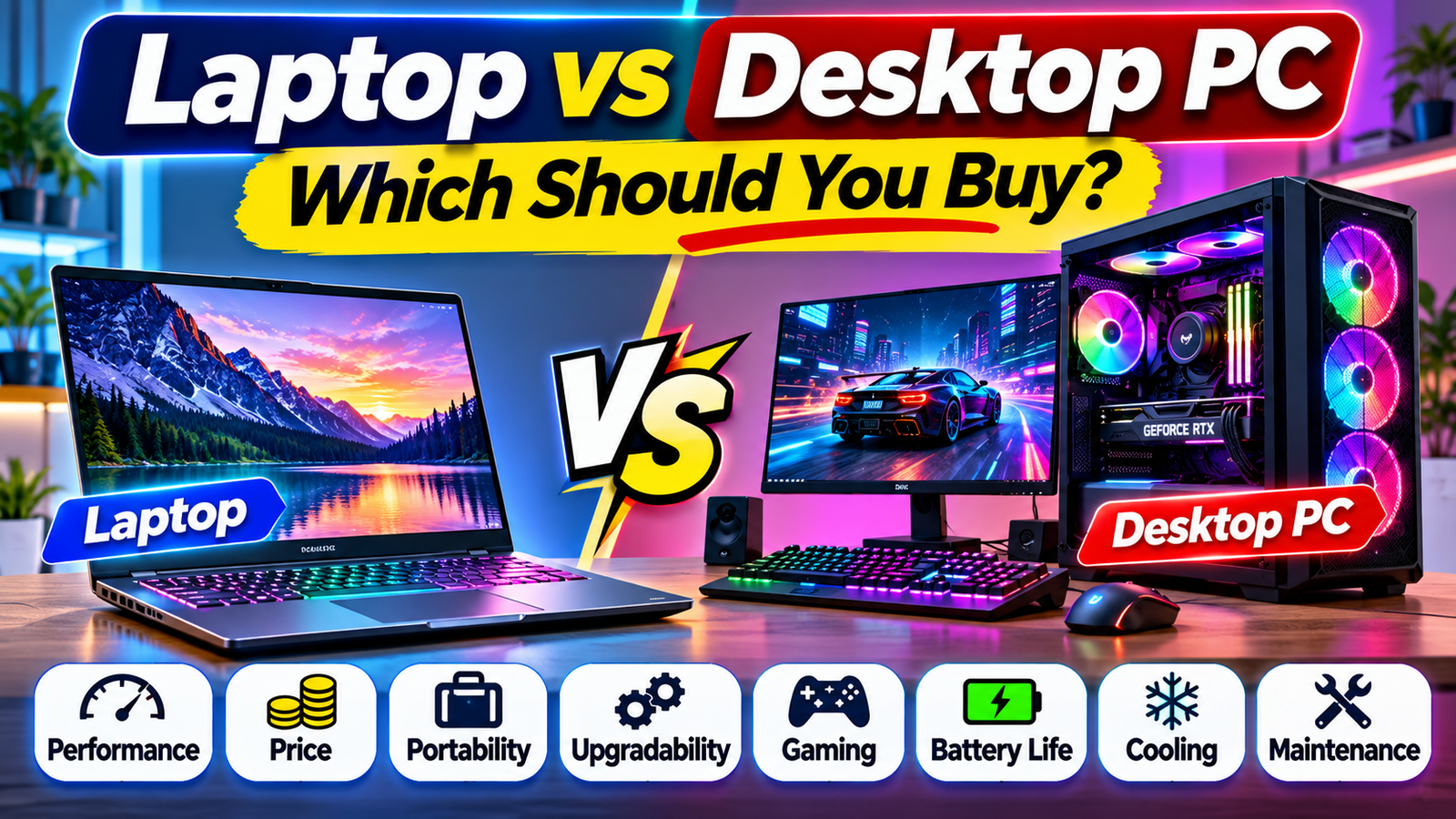
Choosing between a laptop and a desktop PC can be difficult, especially when both options offer powerful hardware, modern features, and different advantages. Whether you are a student, professional, gamer, content creator, or everyday computer user, selecting the right device can make a significant difference to your experience.
Laptops are designed for portability and convenience, allowing users to work from different locations. Desktop PCs, on the other hand, generally offer more flexibility, easier upgrades, and better performance potential for a given budget.
But which one is actually better? The answer depends on how you plan to use your computer, how much you want to spend, and whether portability or performance matters more to you.
In this guide, we compare laptops and desktop PCs across important areas, including performance, price, gaming, battery life, upgrades, maintenance, and everyday productivity.
1. Laptop vs Desktop PC: Understanding the Difference
A laptop is a portable computer that combines a display, keyboard, touchpad, battery, and internal hardware in one device. You can carry it in a bag and use it in different locations without connecting an external monitor or keyboard.
A desktop PC is designed to stay in one place. A typical desktop setup includes a computer tower, monitor, keyboard, and mouse. Some desktop computers, such as all-in-one PCs, combine several components into a single unit.
The main difference is their design purpose:
- Laptop: Built for portability, convenience, and flexible working.
- Desktop PC: Built for a stationary workspace, hardware flexibility, and upgrade potential.
Both can handle everyday tasks such as browsing, office work, video streaming, online learning, and communication. However, their capabilities can differ significantly depending on the hardware configuration.
2. Performance: Which Is More Powerful?
Performance is one of the most important factors when choosing a computer.
Desktop PCs generally have an advantage in performance potential because their larger cases can accommodate more powerful processors, graphics cards, cooling systems, and other components.
This makes desktops particularly attractive for demanding activities such as high-end gaming, professional video editing, 3D rendering, and complex software development.
However, modern laptops can also deliver excellent performance. Many high-performance laptops include powerful processors, dedicated graphics, and fast storage.
The important point is that hardware specifications with similar names do not always deliver identical performance in laptop and desktop versions. Power limits, cooling capacity, and thermal design can affect real-world results.
Choose a laptop if: You need good performance for everyday work, study, programming, and moderate creative tasks while remaining mobile.
Choose a desktop if: You regularly run demanding applications and want more performance flexibility.
3. Price: Which Offers Better Value for Money?
Price is another important consideration.
A desktop PC can offer better performance for the money, particularly if you already own a monitor, keyboard, and mouse. You can also select individual components according to your budget.
However, a complete desktop setup may require additional purchases.
A laptop usually includes the display, keyboard, touchpad, speakers, webcam, and battery. This makes it a convenient all-in-one purchase, although similar performance specifications may cost more than a desktop configuration.
Consider the complete cost before making a decision.
| Expense | Laptop | Desktop PC |
|---|---|---|
| Computer hardware | Included | Included |
| Display | Usually included | Usually separate |
| Keyboard | Included | Usually separate |
| Mouse | Touchpad included | Usually separate |
| Battery | Included | Usually no battery |
| Upgrade flexibility | Limited on many models | Generally higher |
A desktop may be more economical for a fixed workstation, while a laptop may provide better overall convenience if you need a complete portable computer.
4. Portability: Laptop Wins
Portability is one of the biggest advantages of laptops.
You can carry a laptop between your home, office, classroom, library, or other locations. This makes it useful for people who travel frequently or work in different places.
Most laptops also have built-in webcams, microphones, speakers, and wireless connectivity.
Desktop PCs are generally designed for stationary use. Moving a complete desktop setup can be inconvenient because it may involve disconnecting the monitor, computer tower, keyboard, mouse, and cables.
Laptop advantages:
- Easy to carry.
- Suitable for travel.
- Useful for students.
- Convenient for remote work.
- Built-in display and input devices.
If portability is important to your daily routine, a laptop is usually the better choice.
5. Gaming: Laptop vs Desktop Gaming PC
Gaming is an area where the differences between laptops and desktops become especially noticeable.
Gaming laptops offer portability and dedicated graphics in a compact design. You can play games without building a separate desktop setup.
However, gaming laptops often have thermal and power limitations because their components operate inside a smaller chassis.
Desktop gaming PCs usually provide more flexibility. You can choose a dedicated graphics card, improve cooling, add storage, and upgrade other components over time.
They can also support larger monitors and more flexible gaming setups.
Gaming laptop is suitable for:
- People who travel and play games.
- Students who want one computer for gaming and study.
- Gamers with limited workspace.
Desktop gaming PC is suitable for:
- Players who prioritise performance.
- Users interested in higher-end graphics.
- People who want easier hardware upgrades.
- Gamers who prefer larger monitors and custom setups.
If maximum gaming performance and future upgrades are your priorities, a desktop PC is generally the stronger option for a similar budget.
6. Upgradability: Desktop PCs Offer More Flexibility
Computer hardware improves over time, and you may eventually want to upgrade your device.
Desktop PCs generally make this easier. Depending on the motherboard, power supply, case, and compatibility, you may be able to upgrade:
- Graphics card.
- Processor.
- RAM.
- Storage drives.
- Cooling system.
- Power supply.
- Additional expansion cards.
Laptops offer fewer upgrade options. Some models allow users to replace or expand storage and RAM, but many modern laptops have memory soldered directly onto the motherboard.
The battery and storage may also be difficult to replace on certain designs.
Before buying a laptop, check whether its RAM and storage are upgradeable.
If you want a computer that can be improved gradually, a desktop PC is usually the better long-term option.
7. Battery Life and Power Consumption
Laptops include rechargeable batteries, allowing you to work without remaining connected to a power outlet.
Battery life depends on several factors, including battery capacity, screen brightness, processor workload, graphics usage, and background applications.
Light tasks such as document editing and web browsing generally consume less power than gaming or video rendering.
Desktop PCs normally require continuous external power. A desktop can continue operating during a power interruption only if it is connected to a suitable backup power system, such as an uninterruptible power supply (UPS).
Power consumption also varies according to hardware. A powerful gaming desktop may use considerably more electricity under heavy workloads than a lightweight laptop.
If you frequently work away from a power source, a laptop offers a clear advantage.
8. Cooling and Noise
Cooling is important because computer components generate heat during operation.
Desktop PCs generally have more space for fans, heatsinks, and liquid cooling systems. This can make it easier to manage temperatures, particularly with powerful hardware.
Laptops have limited internal space, so manufacturers must balance performance, cooling, size, and noise.
During demanding tasks, some laptops may become warm and their fans may become noticeable. Desktop computers can also become noisy, especially when equipped with powerful components, but their cooling systems can be customised more easily.
Good airflow, regular cleaning, and appropriate cooling help maintain performance and hardware reliability.
9. Which Is Better for Students and Professionals?
The best choice depends on your daily activities.
For students: A laptop is generally more convenient because it can be carried to classrooms, libraries, and study groups. It is useful for assignments, presentations, research, and online learning.
For office professionals: A laptop works well for people who move between meetings or work remotely. Desktop PCs are suitable for employees who mainly work from one desk.
For programmers: Both options can work well. A laptop is convenient for learning and development from different locations, while a desktop provides more upgrade flexibility and can support multiple displays.
For video editors: A powerful desktop may be preferable for demanding editing projects, although high-performance laptops can also handle professional workflows.
For gamers: Desktop gaming PCs generally offer greater performance and upgrade flexibility, while gaming laptops are useful when portability matters.
10. Laptop vs Desktop PC: Quick Comparison
| Feature | Laptop | Desktop PC |
|---|---|---|
| Portability | Excellent | Limited |
| Performance potential | High | Very high |
| Upgrade options | Limited | Extensive |
| Battery | Built-in | External backup needed |
| Cooling flexibility | Limited | More flexible |
| Workspace | Compact | Requires more space |
| Gaming | Good on suitable models | Excellent potential |
| Maintenance | Often more difficult | Generally easier |
| Display | Usually included | Usually separate |
| Travel | Convenient | Not practical |
11. What Should You Check Before Buying?
Before purchasing either type of computer, consider these important specifications:
Processor: Choose a processor suitable for your workload. Everyday users may not need the most powerful available CPU.
RAM: Memory requirements depend on your applications. For many general-purpose computers, 16GB is a practical starting point, while demanding professional workloads may benefit from more.
Storage: An SSD is generally preferable for faster boot times and application loading. Consider capacity based on your files, games, and software.
Graphics: Integrated graphics are sufficient for many everyday tasks. Dedicated graphics are useful for demanding gaming, 3D work, and certain creative applications.
Display: Check resolution, brightness, refresh rate, colour quality, and screen size according to your requirements.
Connectivity: Check available USB ports, HDMI, Wi-Fi, Bluetooth, and other connections.
Warranty and service: Review warranty coverage, repair availability, and upgrade options before purchasing.
Final Verdict: Should You Buy a Laptop or Desktop PC?
There is no universal winner in the laptop vs desktop PC comparison. Both have advantages, and the right option depends on your lifestyle and computing requirements.
Choose a laptop if portability, battery life, convenience, and flexible working locations are important to you. It is a practical choice for students, remote workers, travellers, and people who want one device for different activities.
Choose a desktop PC if performance, gaming, cooling, customisation, and hardware upgrades matter more. It is particularly suitable for demanding workloads and users who prefer a permanent workstation.
Before making your purchase, compare the complete cost, specifications, upgrade possibilities, and intended usage.
The best computer is not necessarily the most expensive one. It is the device that meets your needs, fits your budget, and remains useful for years to come.
Read More: How to Recycle Old Electronics Responsibly: A Complete Guide
1 thought on “Laptop vs Desktop PC: Which Should You Buy? A Complete Guide”
Comments are closed.