

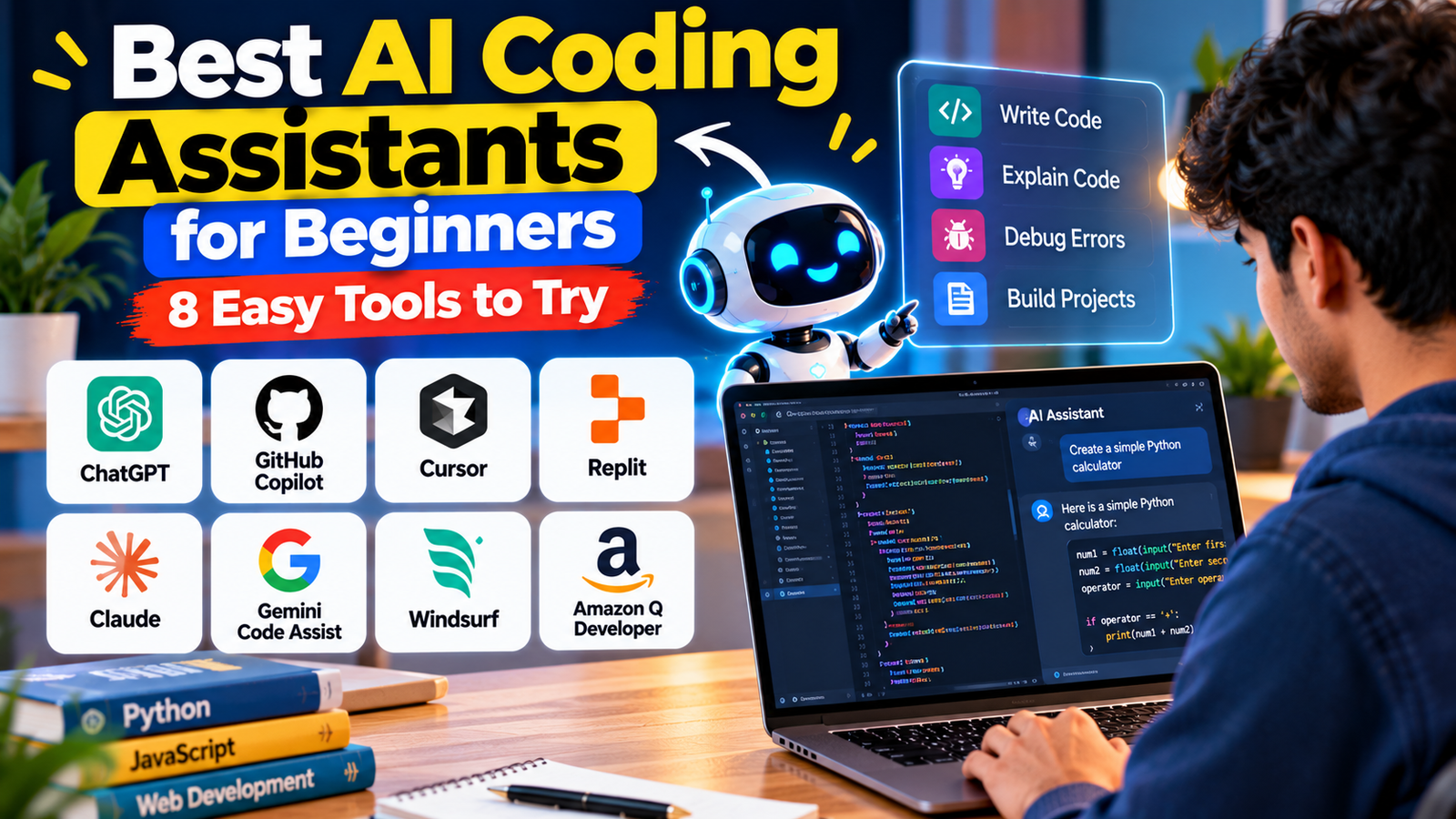
Learning to code can feel challenging when you are starting from zero. Understanding programming languages, writing code, fixing errors and building your first project takes time and practice. Fortunately, artificial intelligence has made the learning process more accessible through AI coding assistants.
These tools can help beginners understand programming concepts, generate code examples, identify errors, explain complicated functions and build simple applications. You do not always need advanced programming knowledge to get started. Many AI assistants allow you to describe what you want in everyday language and receive coding guidance.
However, AI coding assistants are not all the same. Some work inside code editors, while others allow you to build applications directly in a browser. Some are better for learning programming fundamentals, whereas others focus on completing larger development tasks.
In this guide, we explore eight AI coding assistants for beginners, their main features, practical uses and limitations.
What Is an AI Coding Assistant?
An AI coding assistant is a software tool that uses artificial intelligence to help people write, understand, debug and improve computer programs.
For example, a beginner learning Python could ask an AI assistant:
“Explain Python variables in simple English and show me three beginner-friendly examples.”
The assistant can provide an explanation and sample code that the learner can practise.
Depending on the tool, an AI coding assistant may help with:
- Writing code from natural-language instructions.
- Explaining programming concepts.
- Finding and fixing coding errors.
- Generating examples and practice exercises.
- Creating simple websites and applications.
- Reviewing and improving existing code.
These tools can save time, but they cannot guarantee that generated code is correct or secure. Beginners should always understand and test the code before using it.
1. ChatGPT: Best for Learning Programming from Scratch
ChatGPT is a useful starting point for beginners who want to learn programming through simple conversations. You can ask questions, request explanations, generate sample programs and get help understanding error messages.
One of its biggest advantages is that you can ask follow-up questions whenever something is unclear.
How can beginners use ChatGPT?
Imagine you want to learn Python but have never written code before. You can ask ChatGPT to create a beginner-friendly learning plan, explain basic concepts and provide small exercises.
You can also paste a piece of code and ask why it is not working. ChatGPT can help identify possible problems and explain how to correct them.
For example, you could request a simple calculator program and ask the assistant to explain every line.
ChatGPT can also assist with HTML, CSS, JavaScript, Python and other programming languages.
Best for: Complete beginners, programming explanations, practice exercises and debugging assistance.
Limitations: Generated code may contain errors or outdated approaches. You should test examples and understand the underlying concepts instead of copying everything without learning.
Official website: https://chatgpt.com/
2. GitHub Copilot: Best for Coding Inside Your Editor
GitHub Copilot is an AI coding assistant that helps developers write code directly inside supported development environments. It can suggest code as you type, answer programming questions and assist with development tasks.
It is particularly useful when you are ready to practise coding in an editor such as Visual Studio Code.
What can you do with GitHub Copilot?
Suppose you are writing a Python program and are unsure how to create a function. Copilot can suggest code based on your current work.
It can also help explain selected code, suggest improvements and assist with debugging.
For beginners, code suggestions can make programming less intimidating because you can see examples while working on a real project.
GitHub Copilot offers different plans and features, including limited free access. The available models, usage allowances and subscription conditions can change.
Best for: Beginners learning inside a code editor, Python practice and everyday programming assistance.
Limitations: Suggestions are not always correct. Accepting code without understanding it can make learning difficult, so review each suggestion carefully.
Official website: https://github.com/features/copilot
3. Cursor: Best for AI-Assisted Coding Projects
Cursor is an AI-powered code editor designed to make software development easier through natural-language instructions and code assistance.
Unlike a simple chatbot, Cursor works directly with your coding project. It can understand relevant project files and help you make changes across different parts of an application.
Why should beginners try Cursor?
Imagine you have created a basic website but want to add a navigation menu or improve its layout.
You can describe the changes you want, and Cursor can help generate or modify the relevant code.
It also supports code explanations, editing and debugging workflows. Its agent features can help with larger tasks, depending on the selected mode and available usage.
Beginners should start with small changes rather than asking an AI agent to build an entire complicated application immediately.
Best for: Website development, project-based learning and people who want AI assistance inside a code editor.
Limitations: It may take some time to understand the editor and its advanced features. AI-generated changes can affect multiple files, so review them before accepting.
Official website: https://cursor.com/
4. Replit: Best for Beginners Who Do Not Want Complicated Setup
Replit is an online development platform that allows users to write, run and manage code through a browser.
It is especially useful for beginners who do not want to spend time installing programming environments before starting their first project.
Its AI-assisted features, including Replit Agent, can help users create applications using natural-language descriptions.
What can you build with Replit?
You could describe a simple personal website, a to-do list application or a basic calculator. Replit can help you turn the idea into an initial working project.
You can also edit code, run your application and preview the result within the platform.
This makes it a convenient option for students and beginners who want to experiment with programming.
Best for: First-time programmers, browser-based coding and building simple projects.
Limitations: Advanced features and AI usage may have limits or require payment. You should still learn how the generated application works and test it before publishing.
Official website: https://replit.com/
5. Claude: Best for Understanding and Explaining Code
Claude, developed by Anthropic, is another AI assistant worth exploring for programming and technical learning.
It can help explain code, generate examples, review programming logic and assist with debugging. Its conversational approach is useful when you want detailed explanations rather than only receiving a block of code.
How can Claude help beginners?
Suppose you find a Python program online but do not understand how it works.
You can provide the code and ask Claude to explain it step by step using simple language.
You can also ask it to rewrite a complicated example into a beginner-friendly version or create practice exercises based on a topic you are learning.
Claude Code offers more advanced project-level coding assistance, but it is a separate workflow from simply chatting with Claude.
Best for: Understanding code, learning programming concepts, debugging and working through longer technical explanations.
Limitations: AI-generated answers can still be incorrect. Usage limits and access to advanced coding features depend on the plan.
Official website: https://claude.ai/
6. Google Gemini Code Assist: Best for Google and Cloud Development
Google Gemini Code Assist is an AI-powered coding assistant designed to support software development.
It can help with code completion, code generation, explanations, debugging and other programming tasks in supported development environments.
What makes it useful?
Beginners can use Gemini Code Assist to understand programming examples, generate code suggestions and get help with common development problems.
For example, if you are learning JavaScript, you can ask for a basic function and examine how it works inside your coding environment.
It is also relevant for people exploring Google Cloud development and Android-related workflows, depending on the supported tools and integrations.
Best for: Programming assistance, Google development environments and learners exploring cloud technologies.
Limitations: Supported editors, features and usage allowances vary by product and plan. Check the current Google documentation before choosing a setup.
Official website: https://codeassist.google/
7. Windsurf: Best for AI-First Development
Windsurf is an AI-powered development environment designed to help developers work with code through conversational assistance and agent-based features.
Its AI-focused workflow can help users understand projects, generate code and make changes based on natural-language instructions.
How can beginners use Windsurf?
A beginner working on a small website could describe a feature they want to add and use the assistant to explore the required changes.
It can also help with debugging and navigating existing project code.
However, beginners should understand the difference between asking for an explanation and allowing an AI agent to make changes automatically.
Start with small tasks, inspect the suggested modifications and run the application after each important change.
Best for: AI-assisted development, website projects and experimenting with coding agents.
Limitations: Advanced workflows may feel complicated to new programmers. Features, pricing and usage limits can change, so check the official website.
Official website: https://windsurf.com/
8. Amazon Q Developer: Best for Learning Cloud and AWS Development
Amazon Q Developer is an AI assistant from Amazon Web Services designed to support software development and AWS-related workflows.
It can help developers generate code, understand programming problems, explain technical concepts and work with supported development environments.
Why is Amazon Q Developer useful?
For someone interested in cloud computing, Amazon Q Developer can provide assistance with AWS services and related development tasks.
For example, a learner exploring cloud-based applications could ask questions about AWS concepts or request help understanding a configuration.
It can also support code suggestions, debugging and development workflows in supported IDEs.
Beginners do not need to start with advanced cloud infrastructure. Learning basic programming first can make its more specialized features easier to understand.
Best for: Learners interested in AWS, cloud development and programming assistance.
Limitations: Some features are specialized for AWS workflows and may not be necessary for someone learning basic Python or HTML. Access and usage conditions depend on the plan.
Official website: https://aws.amazon.com/q/developer/
Quick Comparison: Which AI Coding Assistant Should You Choose?
| AI tool | Best suited for |
|---|---|
| ChatGPT | Learning programming from scratch |
| GitHub Copilot | Coding inside an editor |
| Cursor | AI-assisted coding projects |
| Replit | Browser-based coding |
| Claude | Understanding and explaining code |
| Gemini Code Assist | Google development workflows |
| Windsurf | AI-first development |
| Amazon Q Developer | AWS and cloud development |
There is no single AI coding assistant that is perfect for every beginner. The right choice depends on your learning goals, preferred programming language, budget and development environment.
How to Use AI Coding Assistants Effectively
AI coding assistants can make learning easier, but how you use them matters.
Here are five practical tips:
1. Start with programming fundamentals: Learn variables, data types, conditions, loops and functions before attempting complicated projects.
2. Ask for simple explanations: Instead of requesting only finished code, ask the assistant to explain what each line does.
3. Build small projects: Begin with a calculator, a basic webpage or a simple to-do list application.
4. Test every code suggestion: Run the code and check whether it produces the expected result. Ask for help understanding error messages.
5. Avoid copying everything: Try writing the code yourself after studying the explanation. This helps develop independent problem-solving skills.
Also, never share passwords, API keys, private customer information or confidential source code unnecessarily with an AI assistant.
Final Verdict
The best AI coding assistant for beginners depends on how you want to learn programming.
ChatGPT and Claude are useful for understanding programming concepts and asking questions. GitHub Copilot is a good option for learning inside a traditional code editor, while Cursor and Windsurf provide AI-focused development experiences.
Replit is particularly convenient if you want to start coding in a browser without complicated setup. Gemini Code Assist is worth exploring for Google development workflows, and Amazon Q Developer is useful for learners interested in AWS and cloud technologies.
You do not need to learn all eight tools at once. Start with one assistant, practise basic programming concepts and gradually build small projects.
Remember, AI should be your learning partner, not a replacement for understanding code. The strongest developers are not simply those who generate code quickly, but those who understand how their programs work and can solve problems independently.
Read More: Best AI Image Generators for Beginners: 8 Easy Tools to Try
1 thought on “Best AI Coding Assistants for Beginners: 8 Easy Tools to Try”
Comments are closed.