

Introduction
Creating professional-looking videos no longer requires expensive cameras, advanced editing software or years of video production experience. Artificial intelligence (AI) has made video creation easier by allowing users to generate clips from text prompts, animate images, create digital presenters and turn written scripts into complete videos.
Whether you want to create YouTube videos, Instagram Reels, TikTok content, product advertisements, educational videos or business presentations, AI video generators can help simplify the process.
For beginners, choosing the right tool can be challenging. Some platforms focus on generating realistic video scenes, while others create complete videos using scripts, stock footage, subtitles and AI-generated voices. A few specialise in digital human presenters who can deliver a script without requiring you to appear on camera.
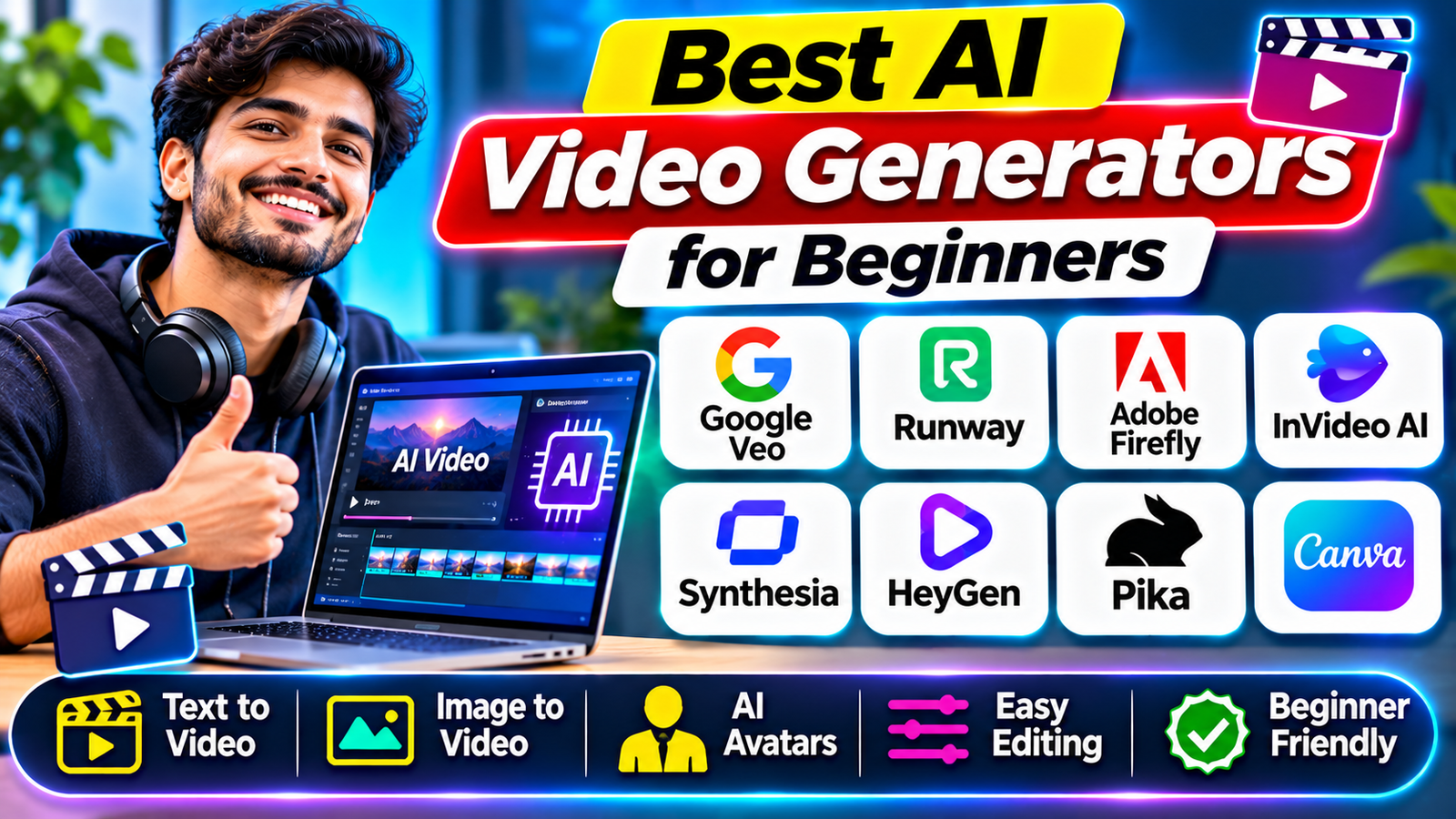
In this guide, we explore eight of the best AI video generators for beginners in 2026. We explain their main features, ideal uses and important limitations so you can choose a tool that matches your video creation goals.
1. Google Veo – Best for Realistic AI Video Generation
Google Veo is an AI video generation technology designed to create video clips from text descriptions and visual references. It is an interesting option for beginners who want to experiment with realistic scenes and cinematic-style content.
Users can describe a scene they want to create, and the AI model generates a video based on the prompt. Depending on the available model and interface, users may also be able to work with images and other creative inputs.
Key features:
- Text-to-video generation
- Image-based video creation in supported workflows
- Realistic visual scenes
- Cinematic-style video generation
- AI-assisted creative workflows
Best for: Beginners interested in realistic scenes, creative storytelling, short promotional clips and visual experiments.
Limitations: Access, generation credits, video length and available features depend on the Google product and subscription plan. Not every feature is available to every account or country.
Official website: https://deepmind.google/models/veo/
2. Runway – Best for Creative Video Production
Runway is a popular AI-powered creative platform that combines video generation with editing tools. It can help beginners and experienced creators produce original video clips without relying entirely on traditional filming equipment.
Its generative tools allow users to create video from text prompts and images, while its editing features support more advanced creative workflows.
Runway is particularly useful for people who want greater creative control over visual scenes and video effects.
Key features:
- Text-to-video generation
- Image-to-video generation
- AI-powered video editing
- Creative visual effects
- Tools for professional video workflows
Best for: YouTube creators, filmmakers, content creators and beginners interested in experimenting with AI-generated scenes.
Limitations: The free plan has limited credits, and generation costs vary by model and video length. More extensive usage generally requires a paid subscription.
Official website: https://runwayml.com/
3. Adobe Firefly – Best for Creative Content and Editing
Adobe Firefly is an AI creative platform that includes video generation alongside image and other creative tools. It is designed to help users produce visual content through text prompts and supported creative workflows.
For beginners, Firefly can be useful when creating promotional videos, visual backgrounds, product-related content and short creative scenes.
One advantage is its connection with Adobe’s wider creative ecosystem, which can help users combine AI-generated content with traditional editing workflows.
Key features:
- Text-to-video generation
- Image-to-video features
- AI-assisted creative editing
- Integration with Adobe creative products
- Content creation for marketing and design projects
Best for: Beginners, designers, marketers and creators who already use Adobe products.
Limitations: AI generation uses credits, and availability depends on the subscription and region. Users should review the applicable commercial-use terms rather than assuming every output is automatically cleared for every business purpose.
Official website: https://www.adobe.com/products/firefly.html
4. InVideo AI – Best for Creating Videos from Text Prompts
InVideo AI is designed for people who want to create complete videos without manually editing every scene.
Users can provide a topic or written prompt, and the platform can help generate a script, select visual footage, add narration and organise the content into a video.
This makes it useful for beginners who want to create informational videos, social media content, advertisements and explainer videos.
Key features:
- Text-prompt-to-video workflow
- AI-assisted script creation
- Stock footage and visual selection
- Voiceover generation
- Subtitles and video editing
- Social media video creation
Best for: Beginners, bloggers, YouTubers and marketers who want to turn written ideas into complete videos.
Limitations: Free access is restricted, and exports may include watermarks or other limitations. Stock footage, voice options and export features depend on the selected plan.
Official website: https://invideo.io/
5. Synthesia – Best for AI Presenter Videos
Synthesia specialises in AI-generated presenter videos. Instead of recording yourself in front of a camera, you can enter a script and use a digital avatar to present the information.
This is particularly useful for educational content, business training, onboarding videos and professional presentations.
Beginners can create presenter-style videos without purchasing cameras, microphones or studio equipment.
Key features:
- AI digital presenters
- Script-to-video creation
- Multiple avatar options
- Multilingual video capabilities
- Presentation and training templates
- Business video workflows
Best for: Teachers, trainers, businesses, educators and creators who need presenter-style videos.
Limitations: Avatar options, video minutes, downloads and branding controls depend on the subscription plan. Free access is limited compared with paid plans.
Official website: https://www.synthesia.io/
6. HeyGen – Best for Talking Avatars and Multilingual Videos
HeyGen is an AI video platform focused on digital avatars, talking-head videos and multilingual content. Users can create presenter-style videos using scripts and selected avatars.
It can be useful for creators and businesses that want to communicate information through a digital presenter without recording themselves.
HeyGen also offers video translation and localisation features in supported plans and workflows.
Key features:
- AI avatar video generation
- Script-to-video creation
- Talking digital presenters
- Video translation and localisation
- Multiple language options
- Business and marketing video tools
Best for: Content creators, online educators, marketers and businesses producing multilingual videos.
Limitations: Free usage is restricted, and features such as video length, avatar customisation and watermark removal depend on the selected plan.
Official website: https://www.heygen.com/
7. Pika – Best for Short Creative AI Videos
Pika is an AI video generation platform designed for creating short, visually interesting clips. It is suitable for users who want to experiment with creative scenes, image animation and social media visuals.
Rather than focusing mainly on complete long-form videos, Pika is useful for generating short clips that can be combined with other editing tools.
Beginners can experiment with different prompts and visual ideas to understand how AI video generation works.
Key features:
- Text-to-video generation
- Image-to-video creation
- Creative video effects
- Short-form visual content
- Multiple AI video models
Best for: Beginners, social media creators and people experimenting with creative video effects.
Limitations: Free access and credits are restricted. Pika’s published pricing page distinguishes free access from paid plans, and commercial-use rights are not included in every plan. Check the current terms before publishing commercial content.
Official website: https://pika.art/
8. Canva – Best for Beginners Who Want an Easy Video Workflow
Canva is widely used for graphic design and content creation. It also provides video editing and AI-assisted creative features that can help beginners create social media videos and presentations.
Its template-based workflow makes it easier to arrange text, images, animations, music and video clips without learning complicated editing software.
Canva is particularly useful when you want to combine AI-generated visuals with manually edited content.
Key features:
- Video templates
- Drag-and-drop editing
- Text and animation tools
- AI-assisted content creation
- Social media video formats
- Design and presentation features
Best for: Beginners, bloggers, small businesses and social media creators.
Limitations: Not every Canva feature is available on the free plan. AI video generation access, credits and premium assets depend on your subscription and the specific feature.
Official website: https://www.canva.com/
AI Video Generators Compared
Here is a quick comparison to help you select a suitable platform.
| AI tool | Best for | Main workflow |
|---|---|---|
| Google Veo | Realistic video scenes | Text and visual prompts |
| Runway | Creative video production | Generate and edit |
| Adobe Firefly | Creative content | AI generation and editing |
| InVideo AI | Complete social videos | Prompt and script-to-video |
| Synthesia | Digital presenters | Script-to-avatar |
| HeyGen | Talking avatars | Avatar and translation |
| Pika | Short creative clips | Text and image-to-video |
| Canva | Beginner-friendly editing | Templates and AI tools |
These platforms do not all perform the same task. Some generate original video footage, while others assemble videos using stock media, avatars or editing templates.
How to Choose the Right AI Video Generator
Before selecting an AI video generator, think about the type of content you want to create.
1. Decide your video format: If you want cinematic scenes, consider generative platforms such as Veo or Runway. For complete informational videos, InVideo AI may be more suitable.
2. Check the free plan: Some services provide free credits, while others offer limited monthly usage or trials. Check whether downloads are available and whether exported videos contain watermarks.
3. Compare video quality: Review the available resolution, clip duration, audio support and generation options before choosing a subscription.
4. Check editing features: Beginners may prefer platforms with templates, subtitles, voiceovers and simple editing tools.
5. Understand commercial-use rights: If you plan to publish advertisements, client projects or monetised videos, read the platform’s licensing terms carefully.
Tips for Creating Better AI Videos as a Beginner
You do not need complicated prompts to get started. A clear description of the scene, subject, movement, lighting and visual style can improve your results.
For example, instead of writing only “Create a technology video”, provide more detail:
“Create a realistic 10-second video showing a modern smartphone on a desk, with glowing digital security graphics appearing around it. Use cinematic lighting, smooth camera movement and a professional technology advertisement style.”
Start with short clips rather than attempting to create a complete long video in one generation. Review the result, improve your prompt and generate additional scenes when necessary.
Also, check AI-generated text, faces, logos, voices and other details before publishing. AI-generated content can contain visual errors, inconsistent objects or inaccurate information.
Conclusion
AI video generators are making video production more accessible for beginners, bloggers, educators and businesses. Whether you want realistic AI scenes, digital presenters, short social media clips or complete videos from written prompts, there are several platforms worth exploring.
Google Veo and Runway are useful for creative video generation, Adobe Firefly offers AI-assisted creative workflows, and InVideo AI helps turn ideas into complete videos. Synthesia and HeyGen focus on digital presenters, while Pika supports short creative clips and Canva provides a beginner-friendly editing environment.
The best choice depends on your video format, budget, experience and publishing requirements. Start with a small project, test the available free features and choose a paid plan only when you understand the tool’s limitations and your regular video needs.
Read More: Best Free VPN Apps for Android and iPhone in 2026