

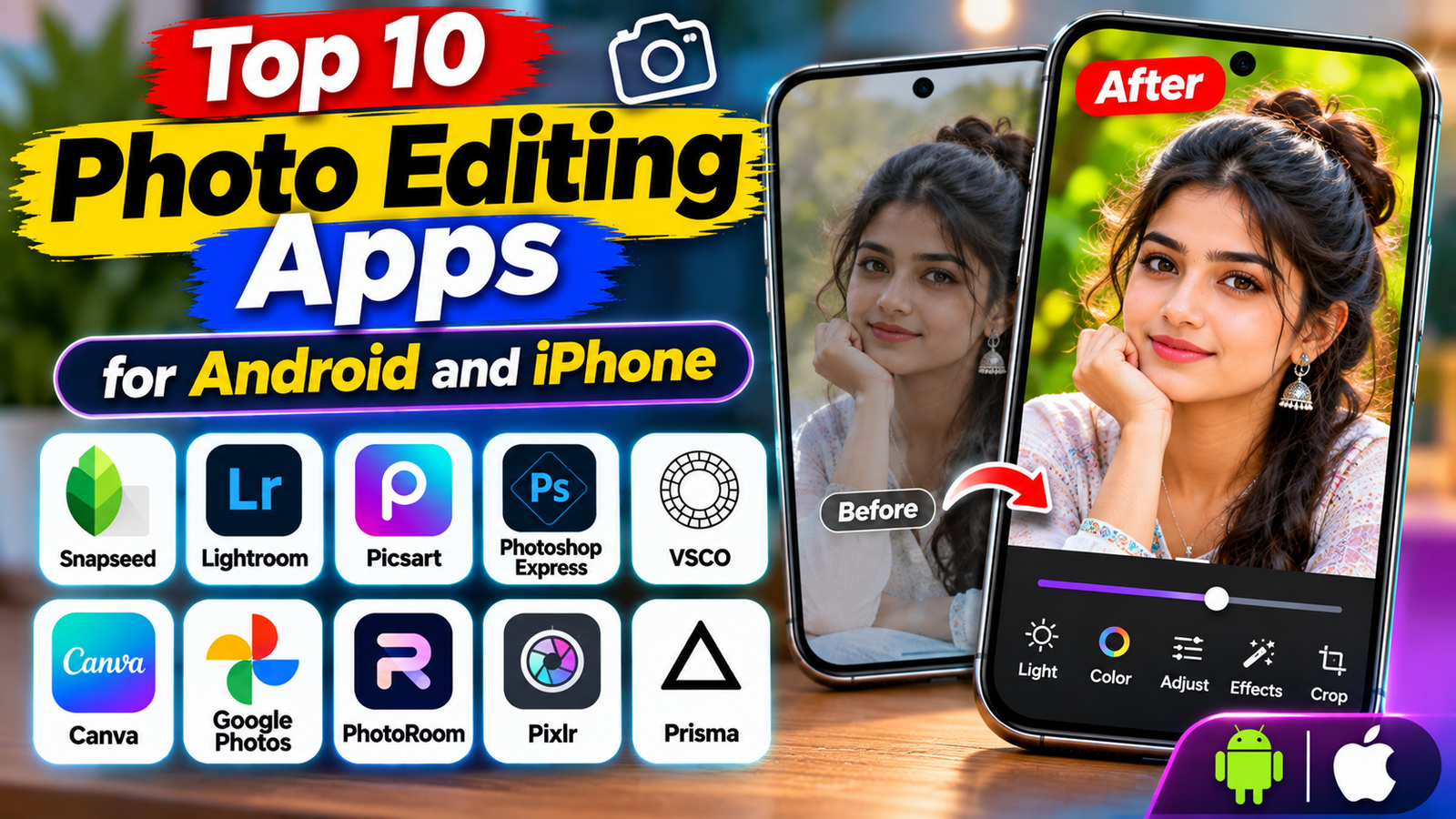
Smartphone cameras have made it easier than ever to capture photos, whether you are taking pictures of everyday moments, travelling, creating social media content, or photographing products. However, capturing a good photo is only one part of the process. Editing can help improve colours, adjust brightness, remove distractions, and give your pictures a more polished appearance.
You do not need an expensive computer or professional editing software to make attractive images. Several mobile photo editing apps offer useful tools directly on Android phones and iPhones. Some focus on professional colour adjustments, while others provide creative filters, AI-powered features, collages, and ready-made templates.
But with so many options available, choosing the right app can be difficult.
In this guide, we explore 10 photo editing apps worth considering for Android and iPhone users. We explain what each app is best for, its main features, and what to consider before choosing one.
1. Snapseed
Best for: Free photo editing and manual adjustments
Snapseed is a popular photo editing application for people who want more control over their pictures without immediately paying for a subscription.
The app provides a collection of editing tools that allow users to adjust brightness, contrast, saturation, white balance, and other image settings. It also includes creative filters and tools for making selective adjustments to specific areas of a photo.
One useful feature is its ability to make detailed corrections rather than applying the same effect to the entire image. This can help users improve a particular part of a picture while keeping the rest of the image natural.
Key features:
- Brightness, contrast, and colour adjustments.
- Healing and selective editing tools.
- Filters and creative effects.
- RAW photo editing support on compatible devices.
- Tools for cropping and perspective correction.
Snapseed is a strong starting point for beginners who want to learn the basics of photo editing. Its core editing experience is available without a recurring subscription, although features and compatibility should always be checked in the current app listing.
Official app link https://play.google.com/store/apps/details?id=com.niksoftware.snapseed&pcampaignid=web_share
2. Adobe Lightroom
Best for: Professional photo editing and colour grading
Adobe Lightroom is designed for users who want more control over the appearance of their photographs. It is particularly useful for travel photography, portraits, landscapes, and social media images.
The app includes tools for adjusting exposure, highlights, shadows, contrast, colour temperature, and saturation. Users can also work with presets to apply a consistent visual style to multiple photographs.
Lightroom is useful when you want to create a particular colour style instead of relying only on ready-made filters. More advanced tools, such as masking and certain AI-powered editing features, may require a Premium subscription.
Key features:
- Exposure and colour adjustments.
- Presets for different photography styles.
- Selective editing and masking tools.
- RAW photo support on compatible devices.
- Photo organisation and cloud-related features.
Lightroom is suitable for beginners willing to learn editing techniques as well as experienced photographers. However, some of its advanced features are paid, and its interface may take time to understand.
Official website: https://www.adobe.com/products/photoshop-lightroom/mobile.html
3. Adobe Photoshop Express
Best for: Quick edits, retouching, and collages
Adobe Photoshop Express offers a simplified mobile editing experience for people who want to improve pictures without learning a complex editing workflow.
It provides tools for cropping, resizing, adjusting colours, applying filters, and making basic corrections. Depending on the platform and current version, users may also find portrait retouching, collage creation, and other creative editing options.
The application is useful for preparing images for social media, personal photo collections, and everyday sharing.
Key features:
- Quick photo corrections.
- Filters and effects.
- Cropping and resizing.
- Portrait and blemish retouching tools.
- Collage creation and creative layouts.
Photoshop Express is free to download, but some features and editing options may require a paid plan. Check which tools are included in the free version before subscribing.
Official website: https://www.adobe.com/products/photoshop-express.html
4. Picsart
Best for: Creative edits and social media content
Picsart is an all-in-one creative editing application that combines photo editing, design tools, stickers, effects, and collage features.
It is particularly useful for people who enjoy experimenting with different styles. You can add text, apply filters, create collages, change backgrounds, and use creative effects to produce visually interesting images.
The app also includes AI-powered tools, although their availability and usage limits can vary depending on the plan, device, and region.
Key features:
- Creative filters and effects.
- Stickers and text overlays.
- Background editing tools.
- Collage creation.
- AI-assisted editing features.
Picsart may be a good choice for social media creators who want several creative tools in one application. However, the free experience includes limitations, and some features may display subscription prompts.
Official website: https://picsart.com/
5. Canva
Best for Social Media Designs and Photo Layouts
Canva is widely used for creating visual content, including social media posts, presentations, posters, and promotional graphics. It also includes photo editing tools.
Unlike traditional photography editors, Canva focuses strongly on combining images with text, shapes, templates, and other design elements.
For example, you can upload a photograph, adjust its appearance, add a headline, and turn it into an Instagram post, promotional banner, or YouTube thumbnail.
Key features:
- Ready-made design templates.
- Photo filters and adjustments.
- Text and typography tools.
- Background editing features.
- Social media layouts and graphics.
Canva is useful for bloggers, small businesses, and content creators who regularly prepare visual material. Its free plan offers a range of tools, while selected premium assets and features require Canva Pro.
Official website: https://www.canva.com/
6. VSCO
Best for Film-Style Filters and Presets
VSCO is known for its photography filters and presets that can give images a film-inspired appearance.
Instead of focusing only on basic corrections, the app helps users develop a consistent visual style. It can be useful for travel photographs, portraits, lifestyle images, and social media content.
Users can adjust different image settings and experiment with preset styles to create a particular mood.
Key features:
- Film-inspired presets.
- Colour and exposure adjustments.
- Photo editing tools.
- Creative photography styles.
- Community and sharing features.
VSCO is worth considering if you prefer subtle, aesthetic edits rather than heavily modified images. Its free features are limited compared with its paid membership, so check the current plan before subscribing.
Official website: https://www.vsco.co/
7. Google Photos
Best for Everyday Photo Editing and Organisation
Google Photos is more than a photo storage and organisation application. It also includes editing tools that help users make quick improvements to their pictures.
You can adjust brightness, contrast, colour, cropping, and other settings without installing a separate professional editor.
Depending on the device, region, and account, some users may also have access to AI-powered features for removing distractions or making more advanced changes.
Key features:
- Basic photo adjustments.
- Filters and image enhancement.
- Photo organisation and search.
- Backup and cloud storage options.
- Selected AI-powered editing features.
Google Photos is convenient for people who want to organise and edit pictures in one place. However, storage limits apply, and certain advanced features may depend on eligible devices or subscription plans.
Official website: https://photos.google.com/
8. Pixlr
Best for Creative Editing and Quick Image Effects
Pixlr provides browser-based and mobile photo editing options. It is useful for people who want to experiment with effects, filters, overlays, and creative image adjustments.
The platform offers different editing experiences, including tools for quick edits and more detailed image work.
It can be useful for social media graphics, personal photographs, and simple creative projects.
Key features:
- Photo filters and effects.
- Image adjustments.
- Overlays and creative elements.
- Background and object-related editing tools.
- AI-assisted features in supported versions.
Pixlr is worth exploring if you want a flexible editing platform. Some tools and usage limits may depend on the selected plan, and the experience can differ between its mobile and web versions.
Official website: https://pixlr.com/
9. Fotor
Best for Quick Enhancements and Portrait Editing
Fotor is a photo editing platform that offers basic adjustments, creative effects, and AI-assisted tools.
It can help users improve image appearance, create simple designs, and experiment with portrait or background editing features.
For people who do not want to spend too much time adjusting every setting manually, its quick enhancement options may be useful.
Key features:
- One-tap photo enhancement.
- Filters and effects.
- Portrait editing tools.
- Background editing options.
- AI-powered image features.
Fotor is suitable for casual users and content creators who want a combination of photo editing and creative design tools. Some advanced features may require a paid subscription.
Official website: https://www.fotor.com/
10. PhotoDirector
Best for AI-Assisted Editing and Creative Effects
PhotoDirector is a mobile photo editing application that combines traditional editing tools with creative and AI-assisted features.
It can be useful for users who want to experiment with portrait improvements, visual effects, backgrounds, and other creative changes.
Depending on the current version and subscription, the app may provide different AI editing options.
Key features:
- Photo adjustments and filters.
- Portrait editing tools.
- Creative effects and overlays.
- Background editing features.
- AI-assisted editing options.
PhotoDirector is worth considering if you enjoy creative photo transformations. Before using its advanced tools, check the free and paid feature limits in your app store.
Official website: https://www.cyberlink.com/products/photodirector-photo-editing-software/overview_en_US.html
Quick Comparison: Top 10 Photo Editing Apps
| App | Best for | Free option |
|---|---|---|
| Snapseed | Manual photo editing | Yes |
| Adobe Lightroom | Professional colour editing | Yes, with paid features |
| Photoshop Express | Quick edits and collages | Yes, with paid features |
| Picsart | Creative effects | Yes, with paid features |
| Canva | Social media designs | Yes, with paid features |
| VSCO | Film-style filters | Limited free option |
| Google Photos | Everyday editing | Yes, with some feature limits |
| Pixlr | Creative effects | Yes, with paid features |
| Fotor | Quick enhancement | Yes, with paid features |
| PhotoDirector | AI-assisted creative editing | Yes, with paid features |
Availability, pricing, and free features can change. Some apps also offer different tools on Android and iPhone, so check the relevant Google Play Store or Apple App Store listing before installing.
How to Choose the Right Photo Editing App
The best photo editing app depends on what you want to achieve.
If you want a capable editor without a recurring subscription, start by exploring Snapseed. If you enjoy photography and want more control over colour and lighting, Adobe Lightroom is worth learning.
For social media designs, Canva and Picsart offer useful creative tools. If you prefer film-inspired filters, consider VSCO. For quick corrections and photo organisation, Google Photos may be sufficient.
Before choosing an app, consider these factors:
- Ease of use: Beginners should look for a simple interface and helpful editing controls.
- Free features: Check whether the tools you need are available without a subscription.
- Export quality: Make sure the app can save images at a suitable resolution.
- Watermarks: Check whether free exports include watermarks.
- Privacy: Review the app’s privacy policy and permissions, especially if you upload personal photographs.
- Device compatibility: Confirm that your phone supports the latest version.
Final Thoughts
There is no single photo editing app that is perfect for everyone. Each application offers a different combination of editing tools, creative effects, and pricing options.
Snapseed is a useful starting point for free manual editing, Lightroom is a strong option for more detailed photography work, and Canva is convenient for creating social media graphics. Apps such as Picsart, VSCO, Photoshop Express, and PhotoDirector offer other creative possibilities.
Try a few options and choose the one that matches your editing style, budget, and smartphone. You can create attractive photographs using a mobile phone without needing complicated desktop software.
Read More: Best AI Coding Assistants for Beginners: 8 Easy Tools to Try
1 thought on “Top 10 Photo Editing Apps for Android and iPhone”
Comments are closed.