

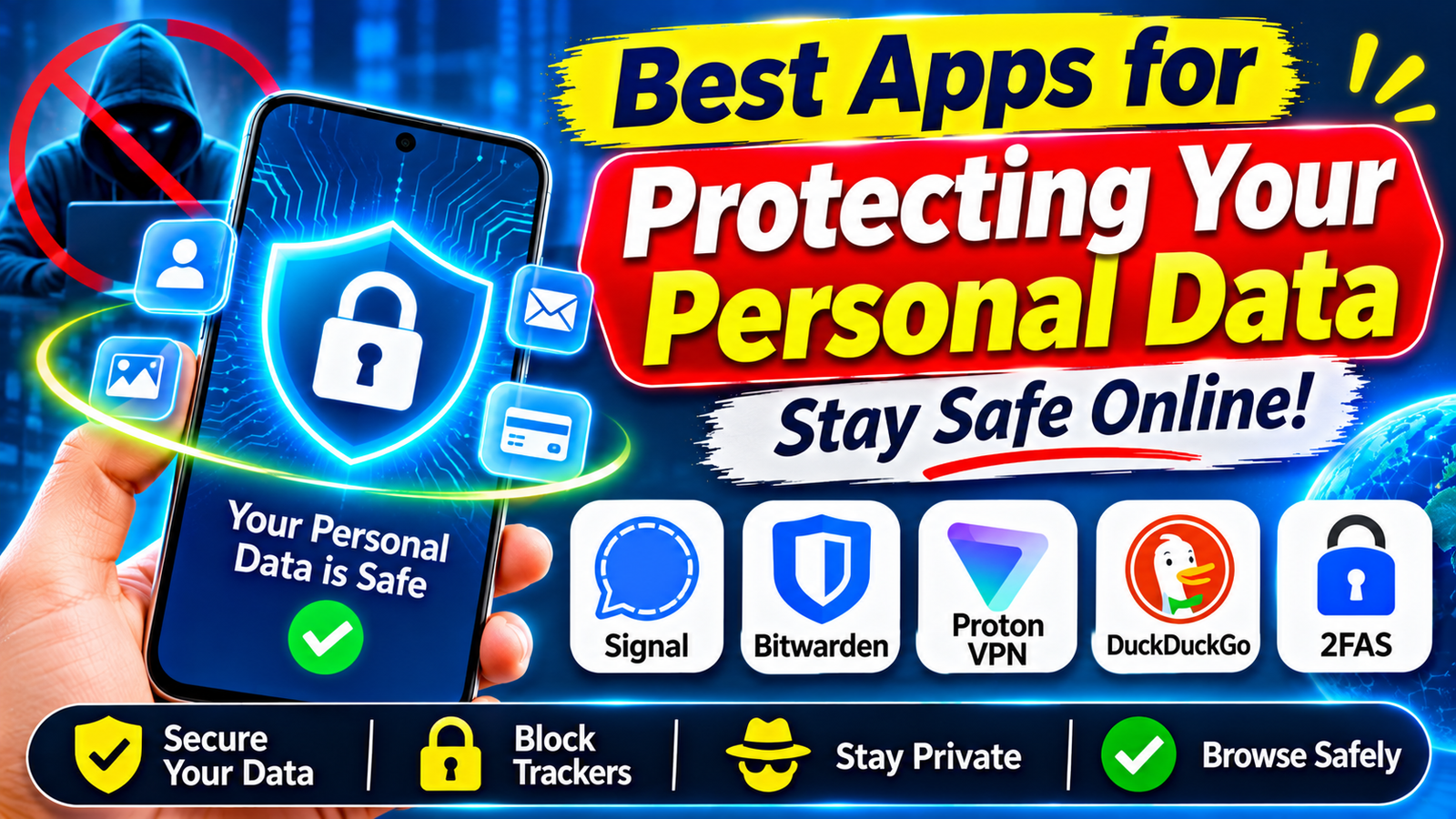
8 Best Apps for Protecting Your Personal Data on Android and iPhone: Personal data has become one of the most valuable parts of our digital lives. From personal photographs and private conversations to banking details, passwords and email accounts, smartphones store a significant amount of information about their owners. While mobile technology makes everyday tasks easier, it also creates privacy risks that users should not ignore.
Many people use the same password across multiple websites, connect to unfamiliar public Wi-Fi networks, install applications without checking their permissions and share personal information across different online platforms. These habits can increase the risk of account theft, unwanted tracking, identity misuse and data exposure.
Fortunately, several privacy and security apps can help users protect different types of personal information. Some focus on encrypted communication, while others manage passwords, block trackers, secure internet connections or protect important files.
However, no single application can protect every part of your digital life. The best approach is to combine reliable tools with sensible security habits.
Here are eight apps worth considering if you want to improve your personal data protection on Android and iPhone.
1. Signal – Best App for Private Messaging
Private conversations often contain personal information that users do not want exposed to strangers or unnecessary third parties. Signal is a messaging application designed to protect the contents of private conversations through end-to-end encryption.
With end-to-end encryption, messages and calls are protected so that only the intended participants can read or hear their contents. Signal supports individual and group messaging, voice calls, video calls and file sharing.
The application also includes privacy-focused options such as disappearing messages and screen-lock features. These tools can help users manage how their conversations are accessed and retained.
Signal is particularly useful for people who regularly exchange sensitive personal information through messaging applications.
Key features:
- End-to-end encrypted messages and calls
- Private voice and video communication
- Group chats and file sharing
- Disappearing message options
- Screen-lock functionality
Best for: Users who want an additional layer of privacy for personal conversations.
2. Bitwarden – Best Password Manager for Personal Accounts
Using weak or repeated passwords is one of the common mistakes that can put online accounts at risk. If one website experiences a data breach, reused passwords may expose other accounts as well.
Bitwarden is a password manager that helps users create, store and manage unique passwords for different websites and applications.
Instead of remembering dozens of passwords, users can store their login credentials in an encrypted vault. The application can also generate strong passwords and help autofill login information on supported websites and services.
Bitwarden offers a free plan, with additional features available through paid plans. Its availability across major platforms makes it useful for people who switch between smartphones and computers.
A password manager does not eliminate every security risk, but it can make it easier to avoid weak passwords and password reuse.
Key features:
- Encrypted password storage
- Strong password generation
- Autofill for supported websites and apps
- Cross-platform access
- Free and paid plan options
Best for: People who manage multiple online accounts and want stronger password habits.
3. Proton VPN – Best for Securing Internet Connections
When you connect to public Wi-Fi at airports, hotels, cafés or other shared locations, you may be using a network that you do not control. A virtual private network, commonly known as a VPN, can add protection by encrypting internet traffic between your device and the VPN server.
Proton VPN is a privacy-focused VPN service that offers applications for mobile devices and computers. It routes your internet connection through its servers and helps reduce the information visible to the local network operator.
The service provides free and paid plans, although available features and server choices can differ between them.
It is important to understand that a VPN does not make you completely anonymous. Websites can still identify you through logged-in accounts, browser information and other tracking methods. Your VPN provider also becomes an important part of your privacy setup.
Key features:
- Encrypted internet connections
- Applications for multiple platforms
- Free and paid subscription options
- Privacy-focused features
- Additional settings in supported versions
Best for: Users who frequently connect to public Wi-Fi or want additional privacy for their internet traffic.
4. DuckDuckGo – Best for Private Browsing
Web browsers can collect information about browsing activity through cookies, trackers and other technologies. Some websites also use third-party tracking tools to understand visitors’ behaviour.
DuckDuckGo offers a privacy-focused browser designed to reduce unwanted tracking during everyday browsing. Its browser includes tracker-blocking features and a private search experience.
The application is available for mobile users and can be considered by people who want an alternative to traditional browsers.
DuckDuckGo also provides a feature that allows users to clear browsing data quickly. This can be useful when they want to remove browsing history and related local information from the browser.
Private browsing does not mean that every website becomes unable to identify you. Websites may still collect information when you sign in, submit forms or share personal details.
Key features:
- Private search experience
- Tracker-blocking features
- Browsing data-clearing options
- Privacy-focused browser design
- Mobile browsing support
Best for: People who want to reduce third-party tracking while browsing the internet.
5. 2FAS Authenticator – Best for Two-Factor Authentication
A strong password is important, but it may not be enough to protect an online account. If someone obtains your password through phishing, a data breach or another method, they may attempt to access your account.
Two-factor authentication (2FA) adds another verification step during login. An authenticator application such as 2FAS can generate time-based one-time passwords for supported online services.
After connecting an account to an authenticator app, users can enter a temporary verification code in addition to their regular password when required.
This additional step can make unauthorised account access more difficult, especially when users enable it on email, social media and other important accounts.
Users should also keep recovery codes in a safe location. Losing access to an authenticator without a recovery method can make account restoration difficult.
Key features:
- Time-based authentication codes
- Support for compatible online accounts
- Additional login protection
- Backup options
- Mobile application support
Best for: Users who want to add another layer of security to important online accounts.
6. Proton Mail – Best for Private Email Communication
Email accounts often contain sensitive information, including personal conversations, account verification messages, documents and financial notifications. Protecting an email account is therefore an important part of personal data security.
Proton Mail is an email service that offers privacy-focused features, including end-to-end encryption for supported communication and encryption for stored messages.
It provides mobile applications and a web-based email experience. Users can create an account and choose from available free and paid plans.
One important point is that encryption protections depend on the type of communication and the recipient’s email service. Messages sent to ordinary email addresses may not automatically receive the same end-to-end encryption protections as messages exchanged between compatible Proton Mail users.
For people who regularly handle private documents or personal communication, Proton Mail is an option worth exploring.
Key features:
- Privacy-focused email service
- End-to-end encryption for supported messages
- Encrypted message storage
- Mobile and web access
- Free and paid plans
Best for: Users who want a privacy-focused alternative for personal email communication.
7. Proton Drive – Best for Protecting Personal Files
Smartphones contain more than messages and passwords. Many users also store personal photographs, important documents, work files and other sensitive information on their devices.
Proton Drive is a cloud storage service designed with privacy and file security in mind. It provides encrypted storage and allows users to access files through supported applications and platforms.
Cloud storage can also help users maintain access to important files when they change devices or experience hardware problems. However, users should review storage limits, available plans and backup settings before depending on any service for important documents.
It is also important to protect the account used to access cloud storage. A strong password and two-factor authentication can help reduce the risk of unauthorised access.
Key features:
- Encrypted cloud storage
- File access across supported devices
- File organisation and sharing options
- Mobile and web access
- Free and paid storage options
Best for: People who want to store personal files and documents in a privacy-focused cloud service.
8. Malwarebytes – Best for Additional Mobile Security
Malicious applications, suspicious websites and phishing attempts can create serious risks for smartphone users. Malwarebytes offers security products designed to help identify certain digital threats and improve device protection.
Its mobile applications provide security-related features that vary depending on the operating system and subscription plan. Depending on the platform, users may find tools related to malicious website detection, scam protection and other mobile security features.
It is important to remember that Android and iOS have different security systems. Some security features available on one platform may not work in exactly the same way on the other.
Users should also download applications only from trusted sources and keep their operating systems updated.
Key features:
- Mobile security features
- Protection against certain malicious websites
- Scam-related protection features
- Security tools depending on the platform
- Free download with optional paid features
Best for: Users who want additional security tools to help identify certain online threats.
How to Choose the Right Personal Data Protection Apps
You do not need to install every privacy application available. Installing too many security tools can make your smartphone more complicated without necessarily improving protection.
Instead, identify the information you want to protect and choose applications that address those specific needs.
For example, a password manager can help secure your online accounts, while an authenticator app adds another login verification step. An encrypted messaging application can protect supported conversations, and a VPN can help secure internet traffic when using unfamiliar networks.
Before installing any privacy application, consider these factors:
1. Check the developer: Download applications from official app stores and verify the developer’s identity. Avoid suspicious copies that use similar names or logos.
2. Review app permissions: A privacy application should not automatically receive access to every part of your smartphone. Check whether requested permissions are necessary for its features.
3. Understand the privacy policy: Look at what information the service collects, how it uses that information and whether it shares data with third parties.
4. Check platform compatibility: Some features work differently on Android and iPhone. Confirm that the features you need are supported on your device.
5. Review pricing and limitations: Free versions may have restrictions involving storage, server locations, devices or advanced security features. Read the current plan details before subscribing.
Simple Tips to Protect Your Personal Data
Privacy applications are useful, but your everyday habits are equally important. A few simple practices can help reduce common security risks.
- Use a different, strong password for every important account.
- Enable two-factor authentication wherever it is supported.
- Keep your smartphone and applications updated.
- Avoid clicking suspicious links in emails and text messages.
- Review application permissions regularly.
- Avoid installing apps from unknown sources.
- Do not share OTPs, passwords or banking information with strangers.
- Back up important files securely.
- Use a screen lock and enable available device security features.
These steps can help reduce the chances of losing access to important accounts or exposing sensitive information.
Final Thoughts
Protecting personal data requires more than installing a single security application. Different tools protect different parts of your digital life, including messages, passwords, email, browsing activity, internet connections and personal files.
Signal, Bitwarden, Proton VPN, DuckDuckGo, 2FAS Authenticator, Proton Mail, Proton Drive and Malwarebytes are eight options worth considering. Each serves a different purpose, so the right combination depends on your personal requirements and the devices you use.
For most users, starting with a reliable password manager and two-factor authentication is a practical first step. You can then add private messaging, browsing and file-storage tools based on your needs.
Most importantly, remember that no app can guarantee complete privacy. Keeping your devices updated, checking permissions and being careful about what you share online remain essential parts of protecting your personal data.
Read Also: 10 Best AI Music Generators in 2026: Create Songs with AI
1 thought on “8 Best Apps for Protecting Your Personal Data on Android and iPhone”
Comments are closed.