

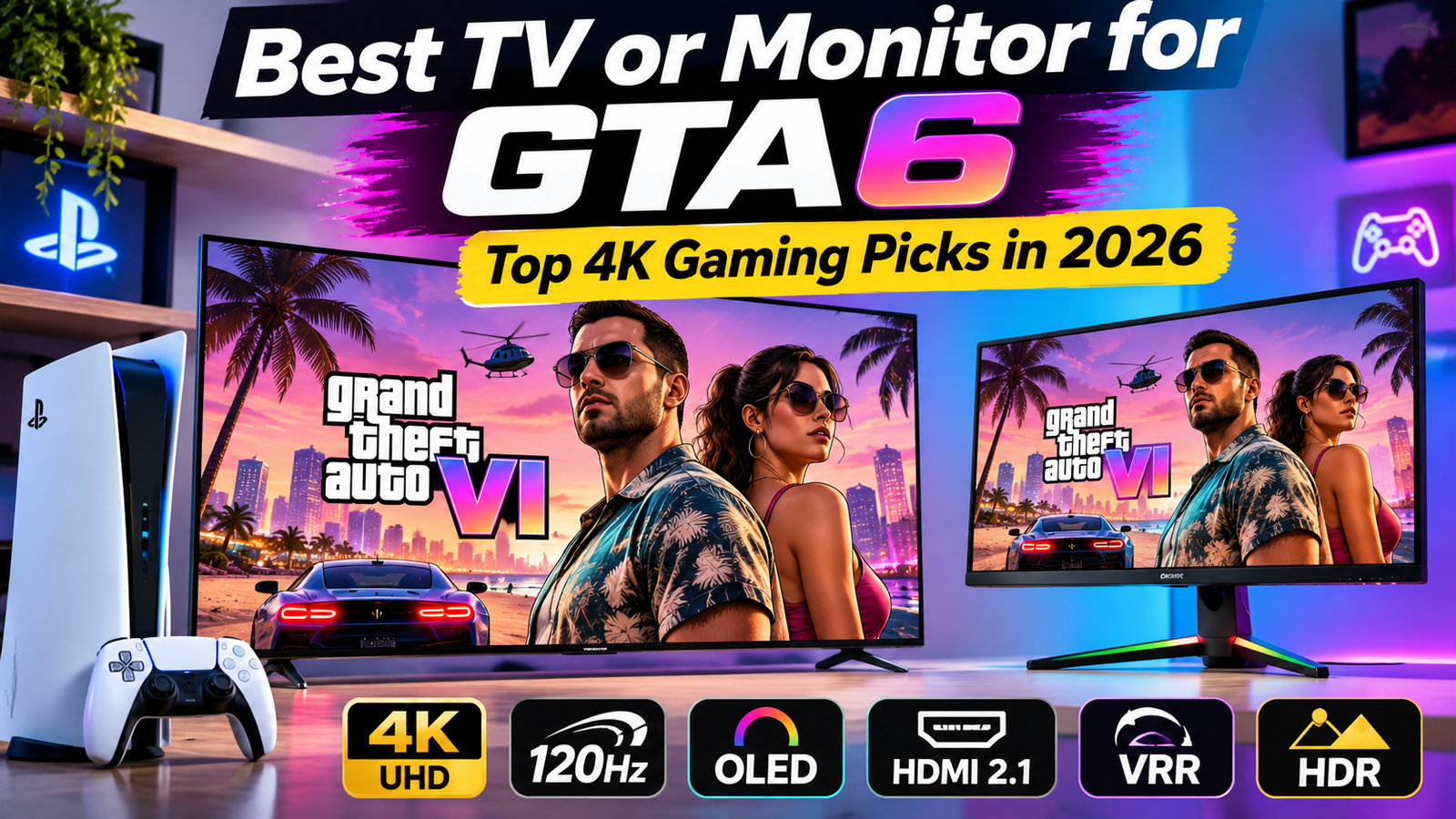
Best TVs and Monitors for GTA 6: Top 4K Gaming Picks: Grand Theft Auto VI is one of the most anticipated video games, and choosing the right display can make a significant difference to the gaming experience. Whether you plan to play on a PlayStation 5, PlayStation 5 Pro or Xbox Series X|S, a suitable television or gaming monitor can help you enjoy detailed visuals, smooth motion and responsive controls.
However, choosing a display for GTA 6 is not simply about buying a screen with the highest refresh rate. Resolution, display technology, HDR performance, HDMI connectivity, variable refresh rate support and screen size are also important considerations.
For players who prefer cinematic gameplay from a comfortable distance, a large 4K OLED television can be an excellent option. On the other hand, gamers who sit close to their screens may prefer a 27-inch or 32-inch gaming monitor.
In this guide, we explain the differences between gaming TVs and monitors, the specifications worth considering, and some display models to explore before choosing a screen for GTA 6.
What Is the Best Display for GTA 6?
For most console players, a 4K OLED television with HDMI 2.1, 120Hz support, VRR and HDR is an excellent starting point.
OLED technology can produce deep blacks and strong contrast, which can make nighttime environments, city lights and darker scenes look more impressive. A large television also provides a more cinematic experience when playing an open-world game.
However, a premium OLED monitor may be a better choice for someone who prefers desktop gaming, sits close to the screen or also uses the display with a powerful gaming PC.
The right choice depends on your gaming setup, available space and budget.
Best Specifications to Look for in a GTA 6 Gaming TV or Monitor
Before purchasing a display, understand the features that can affect your gaming experience.
1. 4K Resolution
4K resolution, also known as Ultra HD, has 3,840 × 2,160 pixels. It provides four times the pixel count of Full HD, allowing compatible games and video content to display more detailed images.
A 4K display is worth considering if you want a premium gaming setup for current-generation consoles.
However, buying a 4K television does not automatically mean that GTA 6 will render at native 4K. Actual game resolution and image quality depend on the game’s rendering technology and the console’s performance.
2. 120Hz Refresh Rate
Refresh rate refers to how many times a display can update its image every second.
A 120Hz screen can refresh up to 120 times per second. Compared with a traditional 60Hz display, it can provide smoother motion when the connected device and game support higher frame rates.
For a console gaming setup, a 4K 120Hz television or monitor is a strong choice.
Some premium displays advertise 144Hz, 165Hz or 240Hz refresh rates. These higher refresh rates can be useful for PC gaming, but they do not guarantee that GTA 6 will run at those frame rates on a console.
3. HDMI 2.1 Connectivity
HDMI 2.1 is an important feature to check when buying a display for modern gaming consoles.
Depending on the display’s specifications, HDMI 2.1 features can support:
- 4K resolution at 120Hz
- Variable Refresh Rate (VRR)
- Auto Low Latency Mode (ALLM)
- Enhanced Audio Return Channel (eARC)
Check the exact HDMI capabilities of the model before buying. Not every HDMI port on every television necessarily supports all high-bandwidth gaming features.
If you plan to connect multiple devices, also check how many HDMI ports support the features you need.
4. OLED Display Technology
OLED televisions and monitors are popular among gaming enthusiasts because each pixel produces its own light.
This allows OLED displays to produce very deep blacks and excellent contrast. These characteristics can be particularly useful in games with dark environments, night scenes and bright visual effects.
OLED can also provide very fast pixel response times, helping reduce motion blur.
However, OLED displays are generally more expensive than many LED and QLED alternatives. Buyers should also understand the possibility of image retention and long-term burn-in with repeated static content.
5. Variable Refresh Rate (VRR)
VRR helps a compatible display synchronise its refresh rate with the frame output of a supported gaming device.
This can reduce screen tearing and make gameplay appear smoother when frame rates fluctuate.
If you are buying a display for PS5 or Xbox Series X|S, look for VRR support and confirm that the feature works at the resolutions and refresh rates you intend to use.
6. HDR Support
High Dynamic Range (HDR) can improve the range of brightness, contrast and colours displayed by compatible content.
For gaming, HDR can help bright highlights and darker areas appear more detailed when implemented properly.
Look beyond the HDR label. Panel brightness, contrast performance, tone mapping and the display’s overall picture quality also affect the final result.
Best Gaming TVs to Consider for GTA 6
A gaming television is a suitable option if you prefer a large screen, console gaming from a sofa and a more cinematic experience.
Here are some models worth exploring.
1. LG OLED evo C6
The LG OLED evo C6 is a premium OLED television worth considering for a high-end gaming setup.
Its advertised gaming features include a 4K OLED panel, high refresh-rate support, VRR and multiple HDMI 2.1 connections.
Potential advantages include:
- OLED picture quality
- Deep blacks and strong contrast
- High refresh-rate gaming support
- VRR and ALLM features
- Multiple HDMI 2.1 ports
It is worth considering for players who want one television for gaming, movies and everyday entertainment.
Before purchasing, verify the exact screen size, regional model number, HDMI specifications and local warranty.
2. Samsung OLED S90H
The Samsung OLED S90H is another premium television to explore.
It is designed for users who want OLED picture quality, gaming features and a modern smart TV experience.
Features to check include:
- 4K OLED display
- High refresh-rate support
- HDMI 2.1 connectivity
- VRR and ALLM
- Smart TV functionality
Samsung OLED televisions can be attractive options for gaming and entertainment. However, check HDR format compatibility and compare the display’s brightness and reflection handling with competing models before making a purchase.
3. Sony BRAVIA 8 II
The Sony BRAVIA 8 II is worth considering if you want a premium OLED television for both gaming and movies.
Its strengths include OLED contrast, image processing and home entertainment features.
Important features include:
- 4K OLED display
- 120Hz refresh-rate support
- HDMI 2.1 gaming features
- VRR and ALLM support on compatible inputs
- Google TV experience
One important point is to check which HDMI ports support the gaming features you need. Port availability and eARC arrangements can affect how you connect a console and soundbar.
Best Gaming Monitors to Consider for GTA 6
Gaming monitors are usually smaller than televisions and are designed for users who sit close to the screen.
A 32-inch 4K OLED monitor can be a good choice if you want detailed visuals without using a large television.
1. ASUS ROG Swift OLED PG32UCDM
The ASUS ROG Swift OLED PG32UCDM series is a premium gaming monitor option for users who want high-end OLED performance.
Depending on the exact version, its specifications include:
- 32-inch-class screen
- 4K resolution
- QD-OLED technology
- Up to 240Hz refresh rate
- HDMI 2.1 connectivity
Its high refresh rate is particularly useful for compatible PC gaming systems. For console gaming, the benefits depend on the console’s supported output modes.
2. LG UltraGear 32GS95UV
The LG UltraGear 32GS95UV is another premium OLED monitor worth exploring.
It combines 4K resolution with a high refresh rate and is designed for users who want a gaming-focused display.
Potential advantages include:
- 32-inch OLED screen
- 4K resolution
- High refresh-rate capability
- HDMI 2.1 connections
- Fast pixel response
This monitor can be attractive for users who also play PC games. Before buying, check its exact model specifications and console compatibility.
3. Samsung Odyssey OLED G8
The Samsung Odyssey OLED G8 family includes premium gaming monitors designed for high-resolution gaming.
Depending on the model, features may include:
- 4K resolution
- OLED or QD-OLED display technology
- High refresh-rate support
- HDMI connectivity
- Gaming-focused picture settings
The exact specifications differ between Odyssey G8 models. Make sure you compare the model number carefully rather than assuming every G8 monitor has identical features.
Gaming TV vs Gaming Monitor: Which Is Better for GTA 6?
Both options can provide an excellent experience, but they suit different gaming environments.
| Feature | Gaming TV | Gaming Monitor |
|---|---|---|
| Typical screen size | 48–65 inches or larger | 27–32 inches |
| Best use | Sofa and living-room gaming | Desk gaming |
| 4K OLED options | Widely available | Available in premium models |
| Refresh rate | Often 120Hz or higher | Often 120Hz–240Hz |
| Built-in speakers | Usually included | Varies by model |
| Viewing distance | Longer | Shorter |
| Smart TV apps | Usually included | Depends on model |
| Console gaming | Excellent with compatible features | Excellent with compatible features |
| Price | Varies widely | Varies widely |
Choose a gaming TV if:
- You prefer playing from a sofa.
- You want a large screen.
- You also watch movies and streaming services.
- You want a more cinematic gaming setup.
Choose a gaming monitor if:
- You sit close to your display.
- You prefer a compact gaming setup.
- You also use a gaming PC.
- You want a high-refresh-rate desktop display.
For most players who primarily use a console in a living room, a 48-inch to 55-inch 4K OLED TV is a sensible starting point.
How Much Should You Spend on a GTA 6 Gaming Display?
Your budget will influence the display technology and features available.
Instead of buying the most expensive screen, prioritise the features that matter for your gaming device.
Budget-conscious buyers: Consider a good 4K LED or QLED television with genuine 120Hz support, VRR and suitable HDMI connectivity. Always check the native refresh rate rather than relying only on marketing claims such as motion-rate numbers.
Mid-range buyers: Look for a 4K 120Hz television with HDMI 2.1 and VRR. A well-equipped LED or Mini-LED television may offer a useful balance between brightness, gaming features and price.
Premium buyers: Consider a 4K OLED TV or OLED monitor. OLED is particularly attractive if you value contrast, deep blacks and fast pixel response.
Prices vary by country, screen size, retailer and promotional offers. Check current local prices and warranty coverage before purchasing.
Important Things to Know Before Buying a Display for GTA 6
A display with impressive specifications cannot increase the performance of the console or game.
Keep these points in mind:
- Do not assume GTA 6 will run at 120 FPS. A 120Hz or 240Hz display does not guarantee that the game will output the same frame rate.
- Check official game compatibility. GTA 6 is officially listed for PlayStation 5 and Xbox Series X|S. Confirm the latest platform information before buying a console.
- Check HDMI ports. Make sure the port you plan to use supports the required resolution, refresh rate and VRR features.
- Compare HDR performance. A television advertising HDR is not automatically a high-quality HDR display.
- Consider screen size and viewing distance. A large TV may be more comfortable for living-room gaming, while a monitor can be better for a desk.
- Check warranty and service. OLED panels and premium monitors are expensive, so local service availability matters.
- Avoid buying based only on refresh-rate numbers. Picture quality, input lag, resolution and console compatibility are equally important.
Frequently Asked Questions
Is a 4K OLED TV good for GTA 6?
Yes. A 4K OLED TV can be an excellent choice because of its deep blacks, strong contrast, fast pixel response and support for modern gaming features. The actual gaming experience will depend on the console and the game’s output settings.
Is a 120Hz TV enough for GTA 6?
A 120Hz television is a strong choice for modern console gaming. However, the game must support the corresponding frame-rate mode for players to benefit from it. The final GTA 6 performance should be confirmed through official game information.
Is a gaming monitor better than a TV for GTA 6?
Neither is universally better. A TV is generally more suitable for large-screen living-room gaming, while a monitor is often better for desk setups and close viewing.
Does GTA 6 support PS5 and Xbox Series X?
Rockstar Games lists PlayStation 5 and Xbox Series X|S as the game’s launch platforms. Always check Rockstar’s official platform information for the latest updates.
Should I buy a 240Hz monitor for GTA 6?
A 240Hz monitor can be useful for compatible PC games, but it does not mean GTA 6 will run at 240 FPS. For a console-focused setup, a good 4K 120Hz display is already a strong option.
Final Verdict
Choosing the best TV or monitor for GTA 6 depends on how you prefer to play.
A 4K OLED TV with HDMI 2.1, 120Hz support, VRR and HDR is an excellent choice for players who want a large, cinematic console gaming experience.
If you prefer a smaller display for desk gaming, a 32-inch 4K OLED monitor is worth considering. Premium models with 240Hz support can also be useful for PC gaming, although those extra refresh-rate capabilities are not necessarily required for console gaming.
Ultimately, focus on display quality, genuine gaming specifications, compatibility and your budget rather than choosing a product based only on its refresh-rate number.
A carefully selected 4K gaming display can serve as a strong long-term investment for GTA 6 and other modern games.
Read Also: Fiber vs Cable vs 5G Home Internet: Which Is Best for You?