

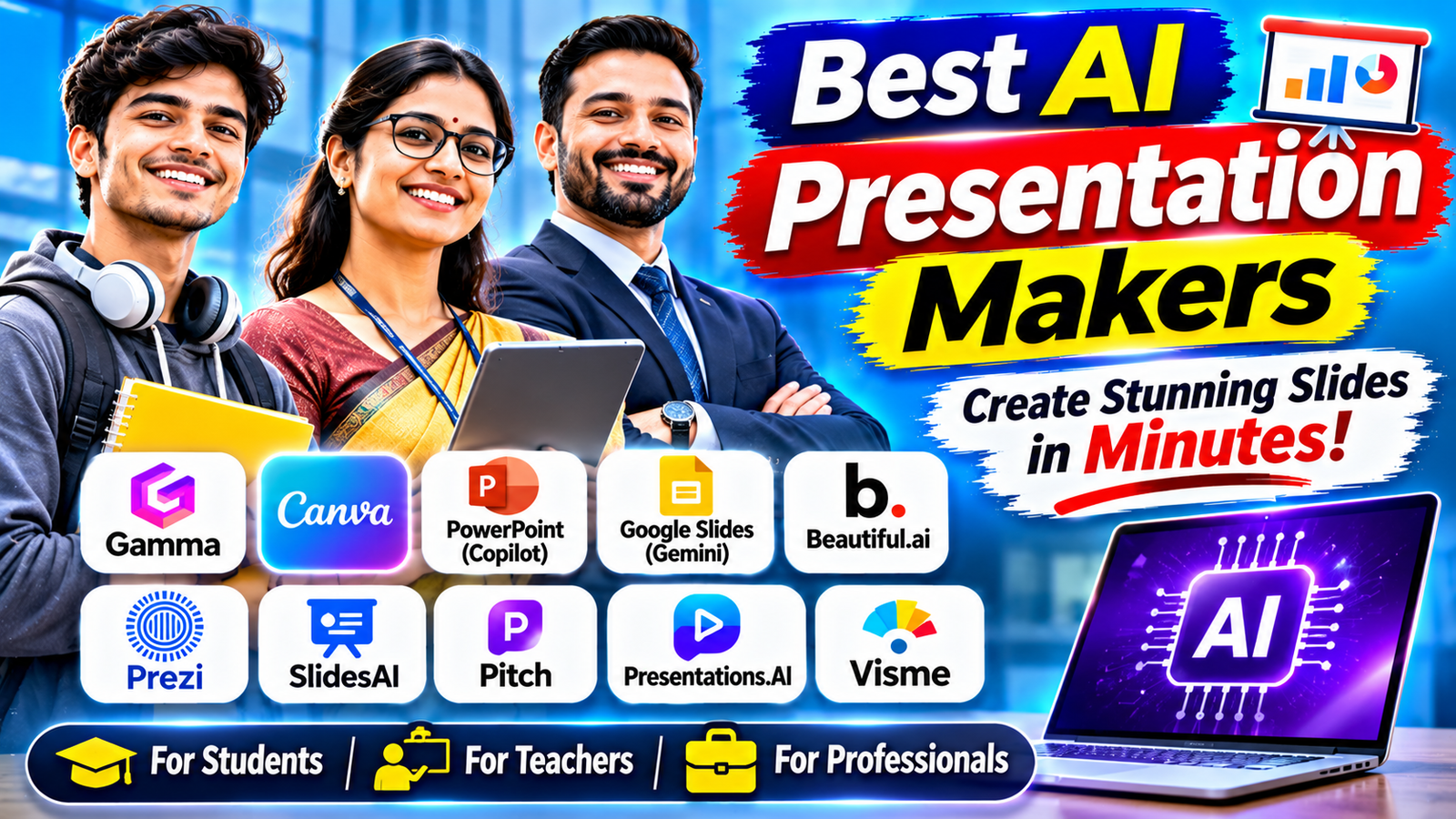
10 Best AI Presentation Makers for Students, Teachers and Business Professionals: Creating a professional presentation can take hours. Whether you are preparing a college assignment, classroom lesson, business proposal or corporate meeting, designing attractive slides requires time, creativity and careful organisation. You need to choose the right layout, write clear content, add images and make sure every slide communicates its message effectively.
Artificial intelligence is changing how people create presentations. AI presentation makers can help generate slide outlines, organise information, suggest designs and create visual elements from simple text prompts. Instead of starting with a blank slide, users can provide a topic and let an AI tool prepare an initial presentation that they can edit.
These tools can be useful for students completing academic projects, teachers preparing educational materials and professionals developing business presentations. However, different platforms offer different capabilities. Some focus on fast presentation generation, while others provide advanced design controls, collaboration features or integration with familiar office software.
Here are 10 AI presentation makers worth exploring in 2026, along with their main features and the users who may benefit from them.
1. Gamma – Best for Creating Presentations from Text Prompts
Gamma is an AI-powered platform that helps users turn ideas, notes and text prompts into structured presentations. Instead of manually creating every slide, users can describe their topic and generate an initial deck with organised content and visual layouts.
It is useful for students preparing project presentations, professionals creating business proposals and teachers developing educational materials.
Gamma also provides editing options, themes and export capabilities. Users can refine the generated content and adjust the design before sharing their work.
Key features:
- Generate presentations from text prompts
- Create structured slide content
- Choose from different visual themes
- Edit generated presentations
- Export options, depending on the plan
Best for: Students, teachers and professionals who want to create a first presentation draft quickly.
2. Canva – Best for Creative and Visually Attractive Slides
Canva is a popular visual design platform that includes AI-powered tools for presentation creation. Its presentation editor offers templates, graphics, images, fonts and design elements that users can customise.
Canva’s AI features can help users develop presentation content and design ideas. Its wider design environment is particularly useful for people who want more control over colours, layouts and branding.
Students can use Canva for assignments, teachers can prepare classroom materials, and businesses can create marketing presentations or internal reports.
Key features:
- Presentation templates
- AI-powered design assistance
- Large collection of graphics and visual elements
- Collaboration and sharing features
- Presentation download options
Best for: Users who want creative control and a flexible design platform.
3. Microsoft PowerPoint with Copilot – Best for Business Professionals
Microsoft PowerPoint is widely used in schools, colleges and businesses. With Microsoft Copilot features available through eligible Microsoft 365 plans, users can receive AI assistance while working on presentations.
Copilot can help create presentation drafts, organise information and improve slide content. It is particularly useful for professionals who already use Microsoft Word, Excel and PowerPoint.
Business teams can also benefit from familiar PowerPoint editing tools and established presentation workflows.
However, Copilot availability depends on the Microsoft subscription, account type and regional availability. Users should check the current plan requirements before purchasing.
Key features:
- AI-assisted presentation creation
- Help with slide content and structure
- Integration with Microsoft 365 workflows
- Familiar PowerPoint editing tools
- Business presentation capabilities
Best for: Professionals, corporate teams and users who regularly work with Microsoft Office.
4. Google Slides with Gemini – Best for Google Workspace Users
Google Slides is a presentation platform that supports online editing and collaboration. Google’s Gemini AI capabilities can assist with creating and improving presentation content in eligible products and plans.
This combination can be useful for students working on group assignments, teachers preparing lessons and businesses collaborating on shared presentations.
Users familiar with Google Drive and other Workspace applications may find it convenient to manage presentation files within the same environment.
AI availability and features can vary depending on the account, subscription and product version.
Key features:
- Online presentation editing
- Collaboration and sharing
- AI assistance through eligible Gemini features
- Integration with Google Workspace
- Access to presentations across supported devices
Best for: Students, teachers and teams who already use Google Workspace.
5. Beautiful.ai – Best for Professional Business Presentations
Beautiful.ai focuses on helping users create polished presentations with consistent slide layouts. Its smart design features automatically adjust elements as users add or edit content.
This can be useful for business professionals who want clean slides without spending too much time manually arranging text, images and charts.
The platform offers presentation templates and AI-assisted creation features that can help users develop business proposals, company updates and sales presentations.
Beautiful.ai is a paid-focused platform, although trial availability and subscription conditions should be checked before signing up.
Key features:
- Smart slide layouts
- AI-assisted presentation creation
- Professional templates
- Consistent visual formatting
- Presentation sharing and export options
Best for: Business professionals, consultants and teams preparing formal presentations.
6. Prezi AI – Best for Dynamic and Interactive Presentations
Prezi is known for its distinctive presentation style, which uses movement, zooming and a visual canvas rather than relying only on traditional slide-by-slide layouts.
Its AI-assisted features can help users create presentation drafts from their ideas and content. The platform may be useful for educators, presenters and professionals who want to communicate information in a more visual way.
Prezi can be particularly interesting for lessons, storytelling and presentations where showing connections between different topics is important.
However, its non-linear presentation style may not suit every formal business meeting or academic assignment.
Key features:
- AI-assisted presentation creation
- Dynamic zooming presentation style
- Visual storytelling
- Templates and design options
- Sharing and presentation tools
Best for: Teachers, trainers and presenters who prefer dynamic visual communication.
7. SlidesAI – Best for Google Slides and PowerPoint Users
SlidesAI is designed to help users generate presentation slides from text. Instead of manually writing and formatting every slide, users can provide content and use AI to organise it into a presentation.
It can be useful for students who need to convert study notes into slides or professionals who want to turn written information into a structured presentation.
Its integration options and available features depend on the product version and subscription.
Users should review the supported export formats and current usage limits before choosing a plan.
Key features:
- Generate slides from text
- AI-assisted content organisation
- Presentation themes and layouts
- Integration options for presentation workflows
- Editing and customisation
Best for: Students and professionals who frequently convert written content into slides.
8. Pitch – Best for Team Collaboration and Business Decks
Pitch is a presentation platform designed with collaboration in mind. It allows teams to work on presentations, share feedback and organise their visual content.
Its AI features can help users get started with presentation drafts, while its collaborative environment supports business workflows.
Startups can use Pitch for company presentations, project proposals and sales materials. Teams can also work together on presentation content rather than sending multiple versions of the same file.
Some advanced features and export options may depend on the subscription plan.
Key features:
- Presentation templates
- AI-assisted presentation workflows
- Team collaboration
- Shared presentation workspaces
- Design and editing tools
Best for: Startups, business teams and professionals who regularly collaborate on presentations.
9. Presentations.AI – Best for AI-Generated Business Decks
Presentations.AI is a platform focused on generating presentation decks with the help of artificial intelligence. Users can provide a topic or information and use the platform to create an initial presentation structure.
It may be useful for professionals preparing company introductions, business proposals, project summaries and other corporate materials.
The platform also focuses on design consistency and presentation workflows. Users should review the generated content carefully before sharing it with clients or colleagues.
Available features, export options and usage allowances can vary by plan.
Key features:
- AI-generated presentation drafts
- Business-oriented presentation layouts
- Content organisation
- Design customisation
- Sharing and export options
Best for: Professionals who need a starting point for business presentations.
10. Visme – Best for Data-Rich and Visual Presentations
Visme is a visual content creation platform that supports presentations, infographics, reports and other business materials.
It can be useful for users who need to communicate information through charts, diagrams, statistics and visual elements. Teachers may use it to create educational materials, while businesses can prepare reports and presentations.
Its combination of presentation and visual content tools makes it worth considering for people who need more than traditional slides.
Key features:
- Presentation templates
- Charts and data visualisation
- Infographics and visual elements
- Collaboration options
- AI-assisted content and design tools
Best for: Teachers, marketers and professionals who create data-focused presentations.
How to Choose the Best AI Presentation Maker
The right AI presentation maker depends on what you want to create and how you plan to use the final presentation.
For students: Look for easy-to-use tools that can convert notes and research into organised slides. Gamma, Canva and SlidesAI are options worth exploring.
For teachers: Choose a platform with visual templates, diagrams and flexible editing. Canva, Prezi and Visme may be useful for preparing educational materials.
For business professionals: Consider tools that support professional layouts, collaboration and familiar office workflows. PowerPoint with Copilot, Beautiful.ai and Pitch are worth comparing.
Before choosing a tool, check its pricing, free-plan limitations, export formats, editing capabilities and privacy policy. Do not assume that every AI feature is available without payment.
Important Tips for Creating Better AI Presentations
AI can make presentation creation faster, but the generated result still needs human review.
- Write a clear prompt explaining the presentation topic and audience.
- Provide accurate information and reliable source material.
- Keep each slide focused on one main idea.
- Avoid adding too much text to individual slides.
- Check facts, figures, names and dates before presenting.
- Use relevant images and charts rather than unnecessary decoration.
- Review the final presentation on the device you will use.
If your presentation contains confidential business information, personal data or unpublished research, check the platform’s privacy and data-handling policies before uploading it.
Final Thoughts
AI presentation makers are changing how students, teachers and business professionals prepare slides. They can help users generate content, organise ideas and create attractive layouts without starting every project from scratch.
Gamma is worth exploring for prompt-based presentation creation, Canva offers flexible visual design, PowerPoint with Copilot supports Microsoft users, and Google Slides with Gemini may suit people working in Google’s ecosystem. Other tools such as Beautiful.ai, Prezi, SlidesAI, Pitch, Presentations.AI and Visme offer different approaches to presentation creation.
There is no single best platform for everyone. Compare the features, pricing, editing options and export capabilities before making a decision.
Most importantly, treat AI-generated slides as a starting point. Review the information, improve the design and make sure the final presentation reflects your own knowledge and purpose.
Read Also: ChatGPT Wallet: Powerful AI Shopping Feature, Security and Setup Guide
1 thought on “10 Best AI Presentation Makers for Students, Teachers and Professionals”
Comments are closed.