

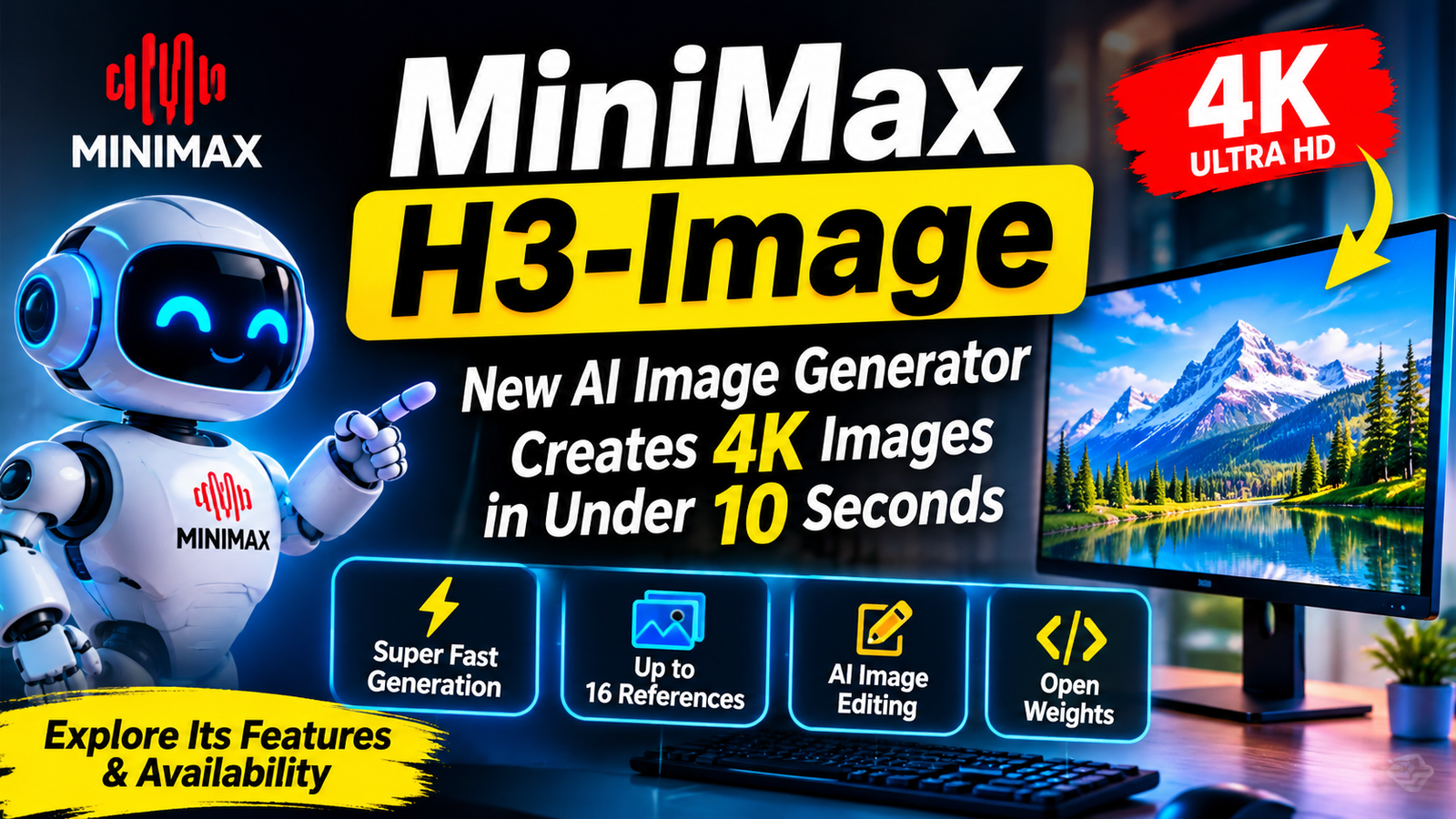
MiniMax H3-Image: 4K AI Image Generator, Features and License: AI image generation technology is moving beyond simple text-to-image creation. New models are giving users more control over image quality, editing, visual consistency, and creative workflows. One of the latest developments in this space is MiniMax H3-Image, an AI image generation and editing model introduced by MiniMax on November 11, 2026.
The new model focuses on high-resolution image creation, reference-based generation, and more detailed image editing. According to MiniMax, H3-Image supports image generation at resolutions of up to 4K and can produce a full-resolution 4K image in under 10 seconds under the company’s stated conditions.
Another notable feature is its ability to accept up to 16 reference images in a single workflow. This could help creators maintain visual consistency when working with characters, products, backgrounds, and other creative elements.
However, there is an important detail potential users should understand before using the model. Although MiniMax describes H3-Image as an open-weight model, its Community License includes geographical restrictions. The United States, United Kingdom, European Union, and South Korea are listed as excluded territories under the standard license.
Here is a closer look at MiniMax H3-Image, its main features, possible applications, availability, and licensing considerations.
What Is MiniMax H3-Image?
MiniMax H3-Image is an AI-powered image generation and editing model developed by MiniMax.
The model is designed to understand text instructions and visual references to produce images based on users’ creative requirements. Instead of relying only on short text descriptions, users can provide more detailed instructions covering subjects, backgrounds, lighting, composition, and visual styles.
It also supports reference-based workflows, allowing users to supply existing images to guide the generation process.
This approach could be useful for people who need more control over the appearance of generated images, particularly when creating multiple visuals for the same project.
MiniMax introduced H3-Image on November 11, 2026, and made its model weights available through its official distribution channels.
MiniMax H3-Image Key Features
1. 4K AI Image Generation
One of the main highlights of H3-Image is its support for high-resolution image generation.
The model supports output resolutions of up to 4096 × 4096 pixels for square images. This is commonly referred to as 4K resolution and provides approximately 16 megapixels of image data.
MiniMax claims that H3-Image can generate a full-resolution 4K image in under 10 seconds under its stated testing conditions.
High-resolution output can be useful for digital artwork, product concepts, advertising visuals, website graphics, and other creative projects.
However, the actual generation time may vary depending on the service, selected settings, and processing conditions. The under-10-second figure should be understood as a company-reported performance claim rather than a guaranteed result for every user.
2. Supports Up to 16 Reference Images
Another interesting capability is multi-image reference support.
H3-Image can work with up to 16 reference images in a single request. This gives users additional flexibility when creating images that need to follow multiple visual instructions.
For example, a creator could provide:
- A reference image showing a character’s appearance.
- A picture showing the preferred clothing.
- An image representing the desired background.
- Additional references for colours, lighting, and composition.
The model can use these visual references alongside written instructions to create a new image.
This capability could be useful for digital artists, graphic designers, content creators, and businesses that need more consistent visual results.
3. AI Image Editing
H3-Image also supports image editing rather than focusing exclusively on generating new pictures.
Users can provide an existing image and describe the changes they want to make.
For example, they might request a different background, modify an object, adjust lighting, or change selected visual elements.
This can be useful when a creator wants to improve an existing image without rebuilding the entire composition.
The model is designed to follow detailed visual instructions, although editing results should always be reviewed. Like other generative AI systems, it may occasionally change details that users intended to preserve.
4. Improved Understanding of Detailed Prompts
Detailed prompts are important for producing more specific AI-generated images.
A basic prompt may describe only a subject, while a more advanced prompt can include several instructions about composition, camera angle, lighting, objects, colours, and background elements.
H3-Image is designed to handle more complex creative instructions and translate them into visual results.
For example, users can describe a cinematic scene containing multiple characters, specific clothing, a particular environment, and carefully defined lighting.
This could help creators produce images that more closely match their intended designs.
However, the accuracy of the result still depends on the complexity of the request and the model’s interpretation.
5. Multiple Image Output Options
H3-Image supports different image resolution options, including 1K, 2K, and 4K.
The model’s supported output formats include PNG, JPEG, and WebP, according to its technical specifications.
These options can help users choose an appropriate format and resolution for their projects.
For example, a website owner may prefer WebP for web performance, while a designer may choose PNG for certain graphics and image workflows.
What Can You Create With MiniMax H3-Image?
H3-Image could be useful in several creative areas.
Digital Artwork: Artists can experiment with illustrations, fantasy environments, cinematic scenes, and creative concepts.
Social Media Graphics: Content creators can generate visuals for social media posts, promotional campaigns, and digital content.
Product Concepts: Businesses can explore different product presentation ideas and advertising visuals.
Character Design: Creators can use reference images to develop character concepts and explore different appearances and visual styles.
Marketing Materials: Marketing teams can experiment with promotional artwork, posters, and campaign concepts.
Website Images: Bloggers and website owners can explore AI-generated illustrations, article visuals, and other website graphics.
These are potential applications rather than guarantees that every generated image will be suitable for professional use without additional editing.
How to Use MiniMax H3-Image
Users can explore H3-Image through MiniMax’s available online services and developer platform.
The general process involves the following steps.
Step 1: Visit the MiniMax Platform
Open the official MiniMax website and check which H3-Image access option is available in your region.
Step 2: Enter a Text Prompt
Describe the image you want to create. Include details about the subject, background, lighting, colours, composition, and visual style.
Step 3: Add Reference Images
If your project requires visual guidance, upload suitable reference images through an interface that supports the feature.
The model supports up to 16 reference images.
Step 4: Select Image Settings
Choose an available resolution and aspect ratio according to your requirements.
Step 5: Generate and Review
Submit your instructions and review the generated result.
If the image does not match your expectations, refine the prompt or provide more specific editing instructions.
Finally, export the result using an available image format.
Access methods, features, and regional availability may vary across MiniMax services.
MiniMax H3-Image Availability and Licensing Restrictions
MiniMax has made H3-Image available through its online services and developer-focused distribution channels. Its model weights are also distributed through Hugging Face.
However, users should pay attention to the model’s licensing terms before downloading or using it.
Although H3-Image is described as an open-weight model, this does not mean that it can be used without restrictions in every country.
The MiniMax Community License lists the following as excluded territories under its standard terms:
- United States
- United Kingdom
- European Union
- South Korea
This is particularly important for developers, businesses, and content creators located in these regions.
The license restrictions should not be confused with a general statement that the model cannot be viewed or discussed in those countries. They concern the permissions granted under the applicable model license.
Anyone planning to use H3-Image commercially, deploy it locally, or integrate it into a product should carefully review the official license and check whether additional permission is required.
Users should also review the relevant terms of the particular MiniMax service they intend to use.
Is MiniMax H3-Image Free?
The availability of the model does not automatically mean that every way of using it is free.
The cost may depend on the access method, generation service, API usage, and selected settings.
Users interested in generating images through an online platform should check the current pricing and usage limits before starting.
Developers who want to access the model through an API should review the applicable API pricing separately.
Anyone planning to download and run the model should also consider hardware requirements and the applicable license conditions.
It is better to check the official pricing information rather than rely on outdated promotional offers or unverified third-party claims.
MiniMax H3-Image vs Traditional AI Image Generators
Traditional AI image generators generally focus on creating images from text prompts or a limited number of visual references.
H3-Image brings several capabilities together, including high-resolution generation, multi-reference workflows, and image editing.
Its support for up to 16 reference images could be especially useful for projects requiring more detailed visual guidance.
The reported 4K generation speed is another interesting part of the model’s capabilities.
However, comparing image generators requires more than looking at resolution and speed. Users should also consider prompt accuracy, editing consistency, output quality, licensing, accessibility, and cost.
The best option will depend on the particular project and the user’s requirements.
Final Thoughts
MiniMax H3-Image is an interesting development in AI image generation. Its support for 4K image output, up to 16 reference images, and image editing gives creators several capabilities to explore.
The model could be useful for digital artists, designers, developers, content creators, and businesses interested in AI-assisted visual production.
However, there are two important considerations. First, the advertised generation speed is a company-reported claim and may not reflect every user’s experience. Second, the open-weight model is distributed under a license that includes geographical restrictions.
For anyone considering H3-Image for personal or commercial projects, checking the latest official specifications, pricing, and licensing terms is essential.
As AI image generation continues to develop, models such as MiniMax H3-Image show how the technology is moving towards more detailed, flexible, and reference-driven creative workflows.
Read Also: 8 Best Apps for Protecting Your Personal Data on Android and iPhone
1 thought on “MiniMax H3-Image: 4K AI Image Generator, Features and License”
Comments are closed.