

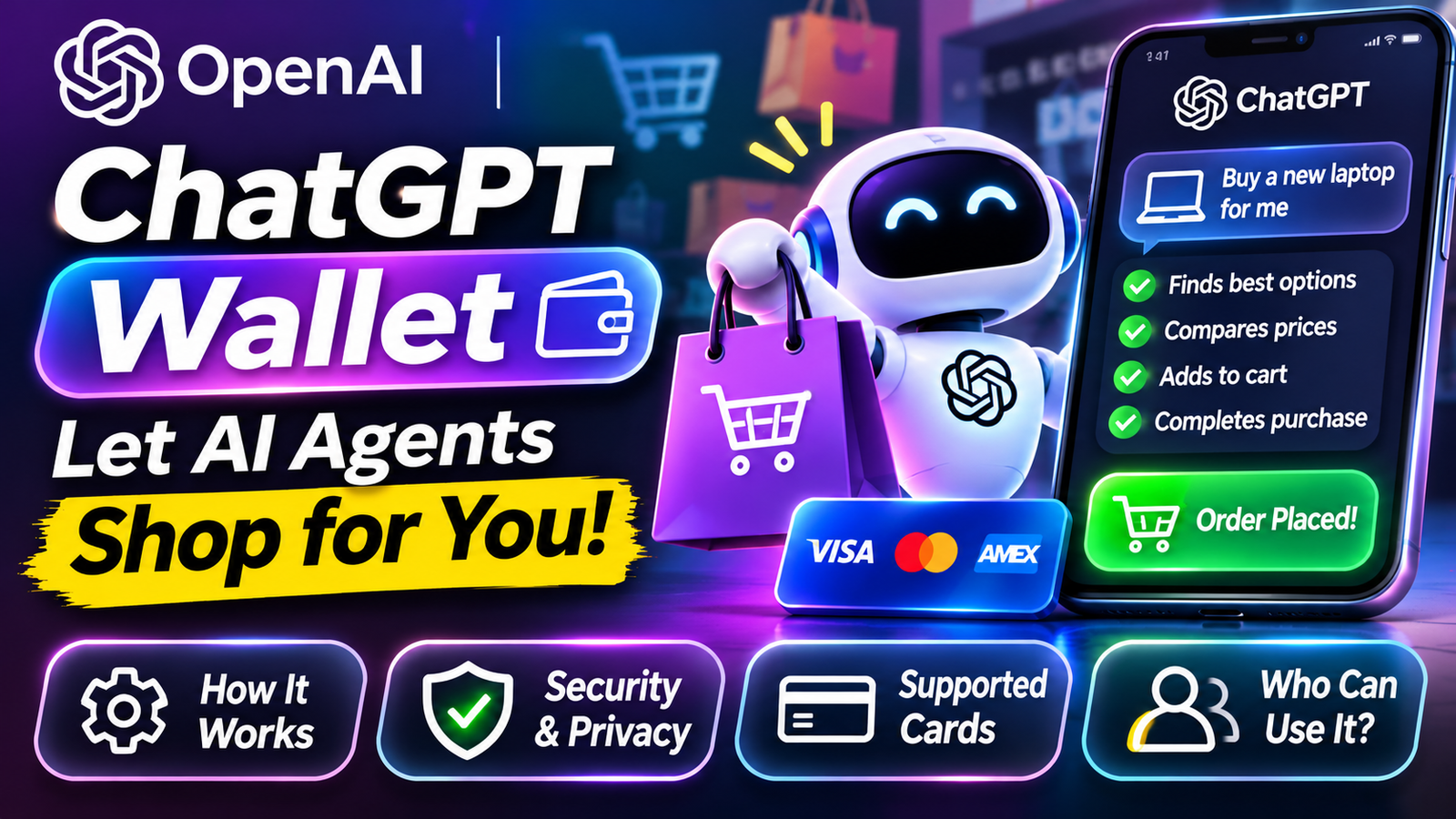
ChatGPT Wallet Explained: How OpenAI’s AI Agents Can Shop and Pay for You
Artificial intelligence is gradually moving beyond answering questions and generating content. AI agents are now being developed to handle practical tasks that previously required people to visit multiple websites, compare products, enter information, and complete online transactions themselves.
OpenAI is taking another step in this direction with ChatGPT Wallet, a payment feature announced on November 13, 2026. It allows eligible users to authorise their personal AI agents, known as Dots, to help complete online purchases using a saved payment card.
The idea is straightforward: instead of manually entering payment details every time you shop, you can add an eligible card to ChatGPT Wallet once. Your Dot can then help find products and continue to checkout. Before a payment is made, you review the purchase details and approve the transaction using biometric verification on a supported device.
However, ChatGPT Wallet is not an unrestricted payment system. Users remain responsible for approving purchases, and not every shopping website supports transactions made through AI agents.
The feature is currently being rolled out to eligible ChatGPT Pro subscribers in the United States. Here is a closer look at how it works, how to set it up, and what you should understand before using it.
What Makes ChatGPT Wallet Different From a Regular Digital Wallet?
Traditional digital wallets are primarily designed to store payment credentials and make transactions easier. ChatGPT Wallet adds another layer by connecting payments with an AI agent that can assist with shopping.
For example, imagine that you want to purchase a new sweater. You could ask your Dot to help find suitable options instead of searching through multiple shopping websites yourself.
The agent can assist with product discovery and move towards checkout on a supported website. When the purchase is ready, ChatGPT Wallet allows you to use a previously saved eligible card.
The important difference is that the AI agent does not receive unlimited permission to spend your money.
Before each purchase, you can review the merchant, selected products, total amount, and payment card. You then authorise the transaction through a security check such as Face ID or Touch ID on a supported device.
This makes ChatGPT Wallet an example of agentic commerce, where AI agents help users complete shopping activities rather than simply recommending products.
How Does an AI Agent Complete an Online Purchase?
ChatGPT Wallet is designed to connect the shopping process with existing online payment systems.
The process generally involves several stages.
1. Product discovery
You tell your Dot what you want to purchase. For example, you might ask it to find a suitable sweater, compare available options, or help book a hotel.
2. Shopping assistance
The agent helps you explore products and available shopping options. You can review its suggestions before deciding what to buy.
3. Checkout preparation
When you select a product, the Dot can continue towards checkout on a supported merchant website.
4. Purchase review
Before payment, ChatGPT presents the important transaction details. These include the merchant, items, total cost, and selected payment card. Any shipping or recurring-payment terms shown should also be checked.
5. User authorisation
If you agree with the details, select Approve and complete the required biometric verification.
6. Payment processing
After approval, the Dot continues the checkout process using a payment token linked to your selected card.
7. Merchant confirmation
The agent reports the checkout result, but users should still check the merchant’s confirmation to make sure the order was actually placed.
This last step is important because approving a purchase does not guarantee that the retailer has accepted the order.
How to Set Up ChatGPT Wallet
Eligible users can add a payment card through their Dot agent or the Wallet section in ChatGPT settings.
Before starting, make sure you have an eligible ChatGPT Pro account, a supported payment card, and a device that supports the required biometric verification.
Follow these steps:
Step 1: Open ChatGPT
Sign in to your eligible ChatGPT Pro account.
Step 2: Set up or open your Dot
ChatGPT Wallet works through conversations with your personal Dot agent. Set up a Dot if you have not already done so.
Step 3: Request Wallet setup
Open a conversation with your Dot and type:
“Help me add a card to Wallet.”
You can also open the Wallet section from ChatGPT Settings.
Step 4: Open the secure card setup form
Follow the secure card-enrolment link or open the Wallet section and select Add Card.
Step 5: Enter your card details
Enter your card number, expiration date, and security code in the secure form.
Do not send your card number, security code, or bank verification code in an ordinary ChatGPT conversation.
Step 6: Review the terms
Read the ChatGPT Wallet terms and privacy notice before adding your payment card.
Step 7: Complete bank verification
Your bank may request additional verification. Depending on the card, this could involve entering a verification code or approving the connection through your bank’s mobile application.
Step 8: Confirm successful setup
Wait until ChatGPT confirms that the card has been added. You can then ask your Dot to help with a purchase.
For eligible Chase cards, the primary cardholder must complete the connection process through the Chase app. Authorised users cannot independently add the card through the same process.
How Does ChatGPT Wallet Protect Your Card Details?
Payment security is a major concern when allowing an AI agent to handle online purchases.
A physical payment card contains information that should not be shared unnecessarily. OpenAI says ChatGPT Wallet uses payment tokenisation to reduce the need to expose the user’s actual card details during checkout.
A payment token is a substitute credential linked to the selected payment card. It can include a virtual card number, security code, and expiration date.
After the user approves a purchase, the payment network provides this token for the transaction. The payment is charged to the selected card without ChatGPT Wallet sharing the user’s actual card details with the agent or merchant.
This approach is designed to make agent-led purchases work with existing payment systems while limiting exposure of the original card information.
Another important protection is transaction approval. Users review the purchase and complete biometric verification before the payment proceeds.
However, security features do not remove the need to check transactions carefully. Users should review the merchant, total price, shipping conditions, and any recurring-payment terms before approving.
Which Cards Are Supported by ChatGPT Wallet?
OpenAI introduced ChatGPT Wallet in partnership with American Express, Mastercard, and Visa.
Its current Help Center documentation lists eligible US-issued cards from:
- American Express
- Chase
- Mastercard
- Visa
Card eligibility is subject to the account and bank requirements.
For example, users adding an eligible Chase card must be the primary cardholder. The bank may also request additional verification during setup.
An important distinction is that a payment card saved in ChatGPT Wallet is separate from the payment method used for a ChatGPT subscription. It is also separate from gift-card or prepaid balances.
Therefore, adding a card for Wallet purchases does not automatically change the payment method associated with your ChatGPT subscription.
Who Can Use ChatGPT Wallet Right Now?
ChatGPT Wallet is not yet available to every ChatGPT subscriber.
According to OpenAI’s current availability information, the initial rollout is limited to eligible users who meet these conditions:
| Requirement | Current Availability |
|---|---|
| ChatGPT subscription | Pro |
| Minimum age | 18 years |
| Country | United States |
| Billing address | US billing address |
| Payment card | Eligible US-issued card |
| AI agent | Dot |
| Purchase approval | Biometric verification |
| Rollout | Gradual |
The feature works in conversations with a Dot. It is not currently available in ordinary Chat conversations, Work, or standalone Codex threads.
This means users in India, the United Kingdom, Canada, and Australia should not assume that they can already add a card and use ChatGPT Wallet.
OpenAI has said it plans to expand availability, but a confirmed international launch schedule has not been announced.
What Happens If a Shopping Website Does Not Support AI Agents?
One limitation of agent-led shopping is that not every retailer allows AI agents to access its website or complete checkout.
Some websites use security systems that may block automated browsing or flag transactions made through agents.
OpenAI acknowledges this challenge and has published a Commerce Partner Playbook to help businesses prepare their websites and payment systems for agent-assisted shopping.
The guidance covers several areas, including making product information available, allowing legitimate agents to access websites, and helping payment and risk systems recognise authorised transactions.
Retailers continue to control important parts of the shopping experience, including product pricing, order fulfilment, returns, and customer service.
As a result, the availability of ChatGPT Wallet purchases can vary from one merchant to another.
What Additional Controls Could OpenAI Introduce?
OpenAI says it plans to give users more flexibility over how their agents make purchases.
Future controls could allow users to establish conditions such as:
- Maximum spending limits.
- Approved product categories.
- Specific purchasing periods.
- Pre-approved purchasing conditions.
For example, a user might eventually allow an agent to purchase selected products within a defined budget.
These features could make AI-assisted shopping more autonomous while keeping spending decisions within limits set by the user.
However, these are future plans rather than features that should be assumed to be available in the current version.
For now, users must review and approve each purchase.
Important Safety Tips Before Using ChatGPT Wallet
Although the feature is designed with payment protections, users should follow some basic precautions.
Check the total amount: Review the final cost, including shipping and any additional charges.
Verify the merchant: Make sure the purchase is being made through the intended retailer.
Review recurring payments: If a merchant offers a subscription or continuous payment arrangement, understand its terms before approving.
Protect verification codes: Enter bank verification codes only in the secure verification process, never in ordinary chat messages.
Check order confirmation: After approval, verify that the merchant has accepted the order.
Manage saved cards: Review your saved payment cards regularly and remove any card you no longer want to use.
These steps help users maintain control when delegating shopping tasks to an AI agent.
Frequently Asked Questions (FAQs)
1. What is ChatGPT Wallet?
ChatGPT Wallet is an OpenAI payment feature that lets eligible Dot agents help complete online purchases using a saved payment card, with user approval before each transaction.
2. Is ChatGPT Wallet available in India?
No. Its initial rollout is limited to eligible US ChatGPT Pro users aged 18 or older with an eligible US-issued payment card and US billing address.
3. Does ChatGPT Wallet support Visa and Mastercard?
Yes. Eligible US-issued Visa and Mastercard cards are supported. OpenAI’s current Help Center also lists American Express and Chase.
4. Can ChatGPT make purchases without my approval?
Under the current system, users must review the purchase details and complete the required biometric verification before each purchase.
5. Does ChatGPT Wallet share my real card number with merchants?
OpenAI says the system uses payment tokens as substitutes for actual card details, so the original card information is not shared with the agent or merchant.
6. Can I use ChatGPT Wallet in a normal ChatGPT conversation?
No. Wallet currently works in conversations with your Dot agent, not ordinary Chat conversations, Work, or standalone Codex threads.
7. Will I still receive credit card rewards?
According to OpenAI, eligible purchases retain the rewards associated with the selected card and its protections for qualifying disputes.
8. Can I set a spending limit for my Dot?
OpenAI has described spending limits and other purchase parameters as future capabilities. Users should not assume that these controls are already available in the current rollout.
Conclusion
ChatGPT Wallet represents a new direction for online shopping by combining AI assistance with payment authorisation. Instead of handling every shopping step manually, eligible users can ask their Dot agent to find products and help complete checkout.
The feature uses payment tokens to avoid sharing actual card details with the agent or merchant, while biometric verification gives users control over individual purchases.
However, ChatGPT Wallet is still in its early rollout stage. It is limited to eligible US ChatGPT Pro subscribers, and some retailers may not support purchases made through AI agents.
Its wider success will depend on retailer compatibility, payment security, user confidence, and the ability of AI agents to complete transactions reliably. For users outside the United States, the next important development will be OpenAI’s future expansion of availability.
Read Also: How to Schedule WhatsApp Messages: Easy Guide for Android and iPhone
1 thought on “ChatGPT Wallet: Powerful AI Shopping Feature, Security and Setup Guide”
Comments are closed.